
Summaries
Turn files into a study guide with a summary, glossary and exam questions, then export it or make slides.
The Summary tool (called AI Study Guide) reads your files and produces chapters, a glossary and practice exam questions in one run.
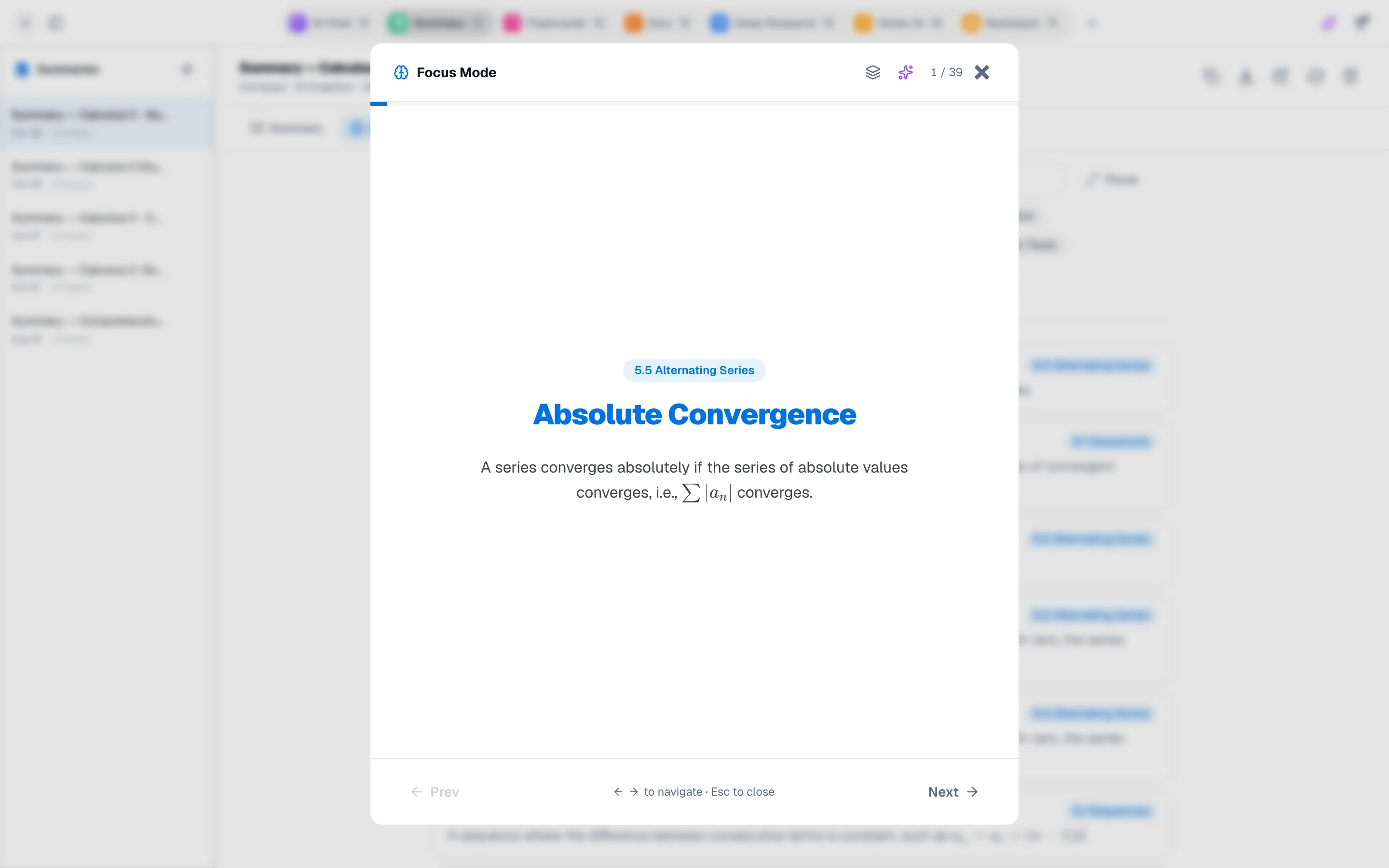
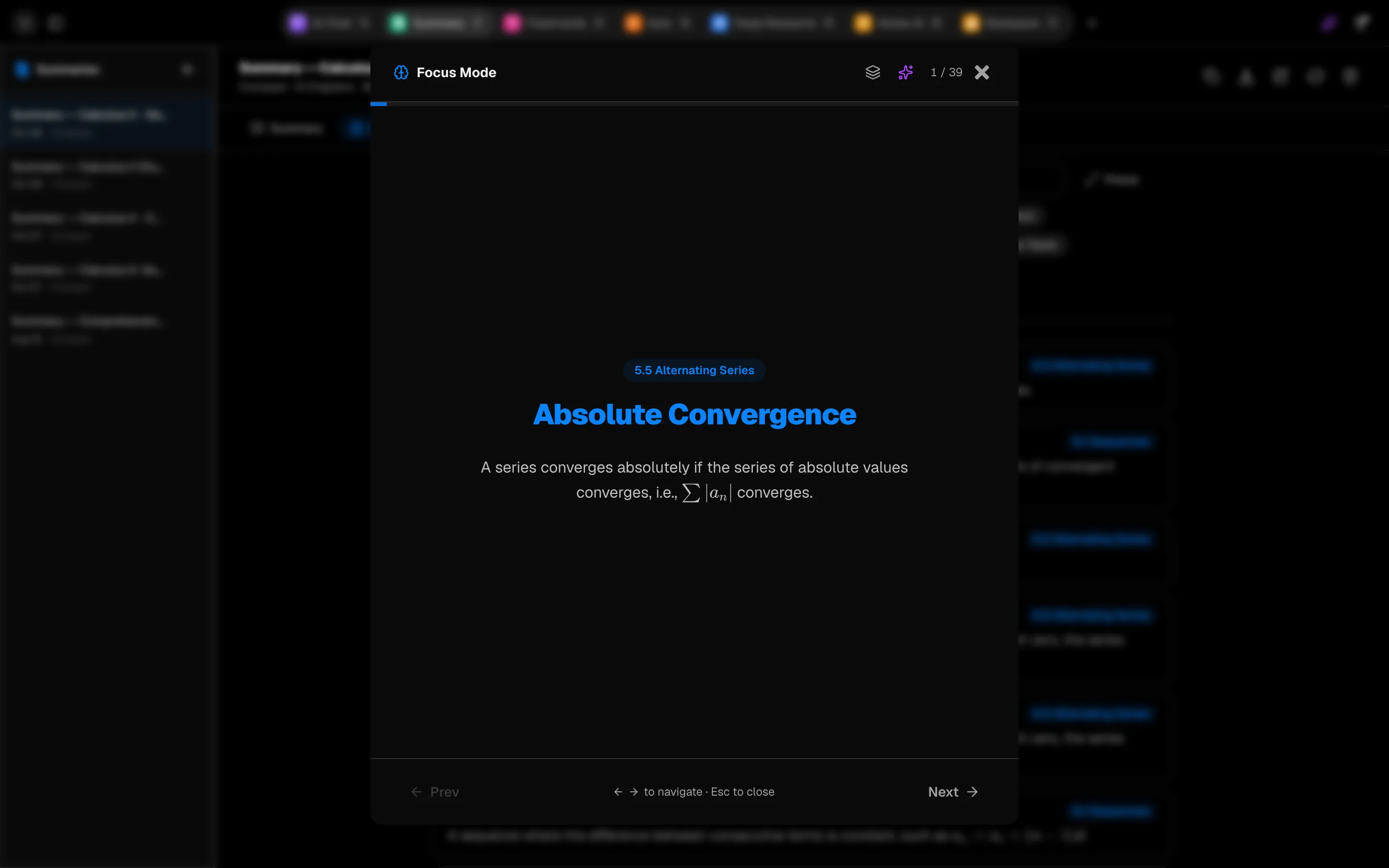
Generate a guide
- In a session, open Summary (key 3 by default).
- Add the files you want under Files. They must finish indexing first.
- Choose Compact (8 to 12 chapters, 40 to 70 terms, 18 exam questions, about 5 minutes) or Detailed (10 to 15 chapters, 80 to 150 terms, 30 exam questions, about 10 minutes).
- Click Generate.
Read it
The guide has three tabs: Summary, Glossary and Exam.
- Glossary: search terms or filter by topic. Focus goes through terms one by one as flip cards (Space flips). Ask Agent explains a term.
- Exam: multiple choice, short answer and essay questions with model answers. Shuffle randomizes options, and Start as Quiz turns them into a quiz. See Quizzes.
Export and reuse
Use Copy markdown, Download .md or Download PDF. Export flashcards and Export quiz send the glossary and questions to those tools. Turn into a note saves the guide to Notes, and Turn into slides opens the Slides tool with your files.
Slides
Slides builds a deck from your files. Choose Learn or Present, the slide count and an optional focus, then Make slides. You can edit slides, pick a theme and Download .pptx or Export PDF. A deck costs 600 credits.
Cost
The study guide costs 300 credits and includes the glossary and exam questions. Regenerate replaces the current guide.