
Voice recorder
Record a lecture in the browser, get a transcript, then summarize it or turn it into flashcards, quizzes and tasks.
Voice Notes, in the Backpack, records audio in your browser and transcribes it when you save. Use Live Lecture instead if you want text while the lecture is still running.
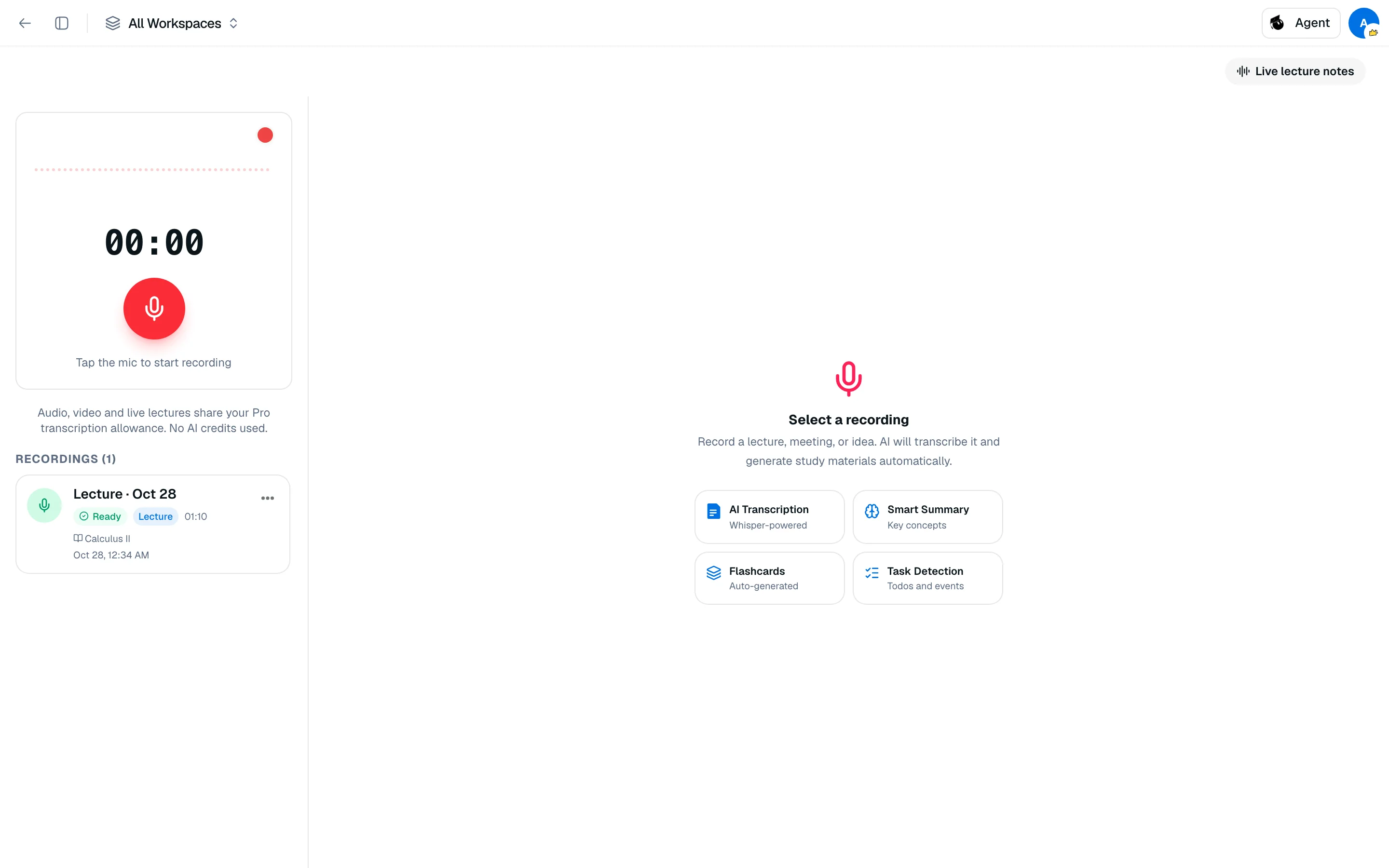
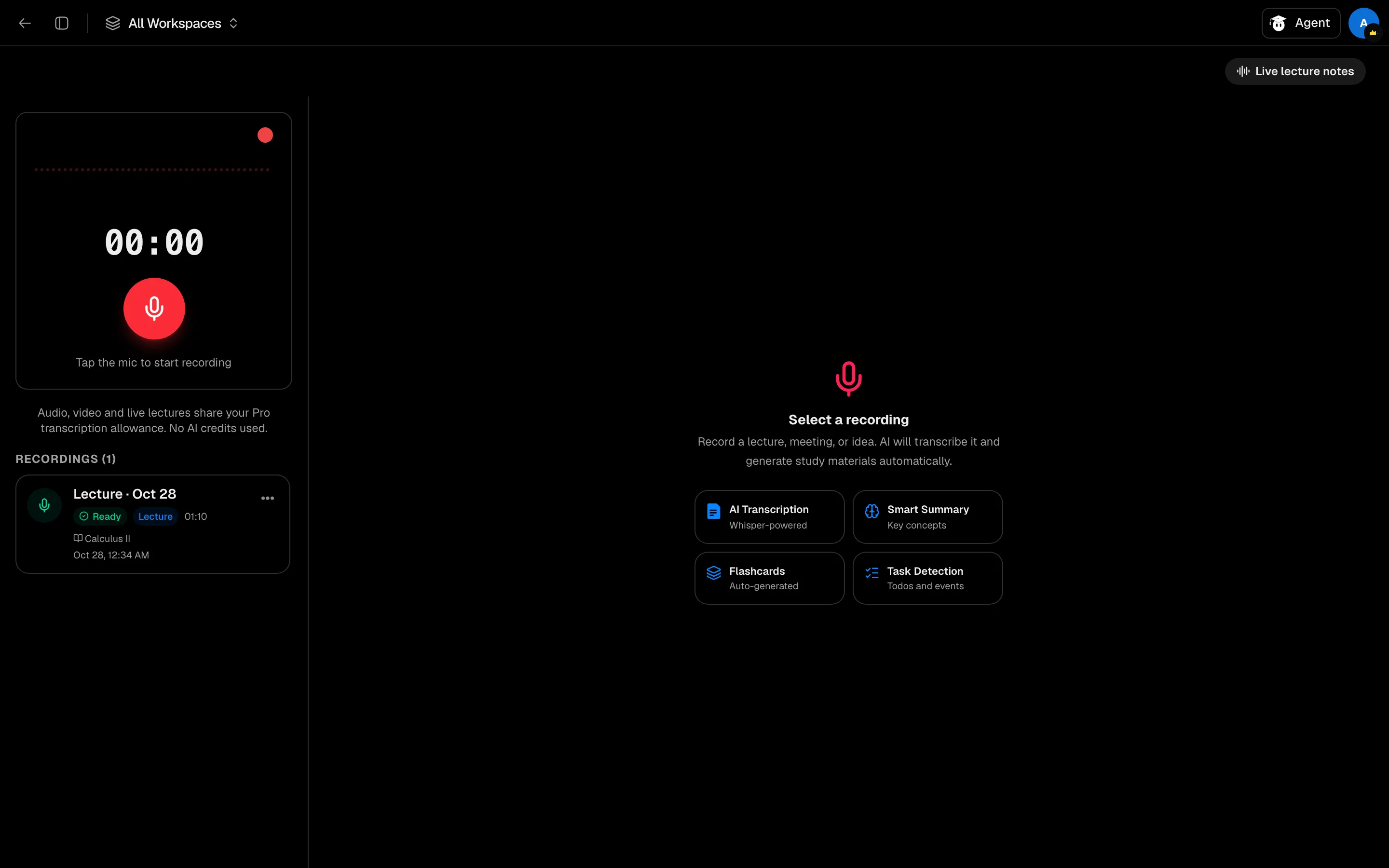
Record and save
- Open Voice Notes from your Backpack or the sidebar.
- Click the mic to start. You can pause, resume and stop.
- In Save Recording, enter a Title, an optional Class / Subject, and a Language (or Auto-detect, with 15 languages to choose from).
- Under Link to Workspace, pick a workspace so the transcript is indexed for AI study there.
- Click Save & Transcribe. Click Discard to throw the recording away.
Transcription uses OpenAI Whisper and usually takes 15 to 60 seconds.
Work with a recording
Open a recording from the list. Its tabs are:
- Transcript: read, Copy, see the word count.
- AI Tools: Summarize, Rewrite, Expand, Dyslexia Mode, or Translate to another language.
- Study: Generate Flashcards and Generate Quiz (needs a linked workspace to save them).
- Tasks: detected tasks and calendar events, with Re-detect.
- Playback: listen back.
Each recording has Rename, Re-transcribe and Delete actions. Recordings from Live Lecture appear here with a Lecture badge.
Limits
Transcription uses a monthly minute pool shared with Live Lecture and the Video Transcriber. Free has 60 minutes a month. Pro shows an unlimited allowance. Transcription uses no AI credits.
Each AI Tools, Study or Tasks action costs 300 credits.