
AI chat
Use the general assistant for questions that are not about a specific file, with model choice and web search.
AI Chat at /camp/chat is a standalone assistant that is not tied to any workspace. For answers from your files with citations, use Chat with docs instead.
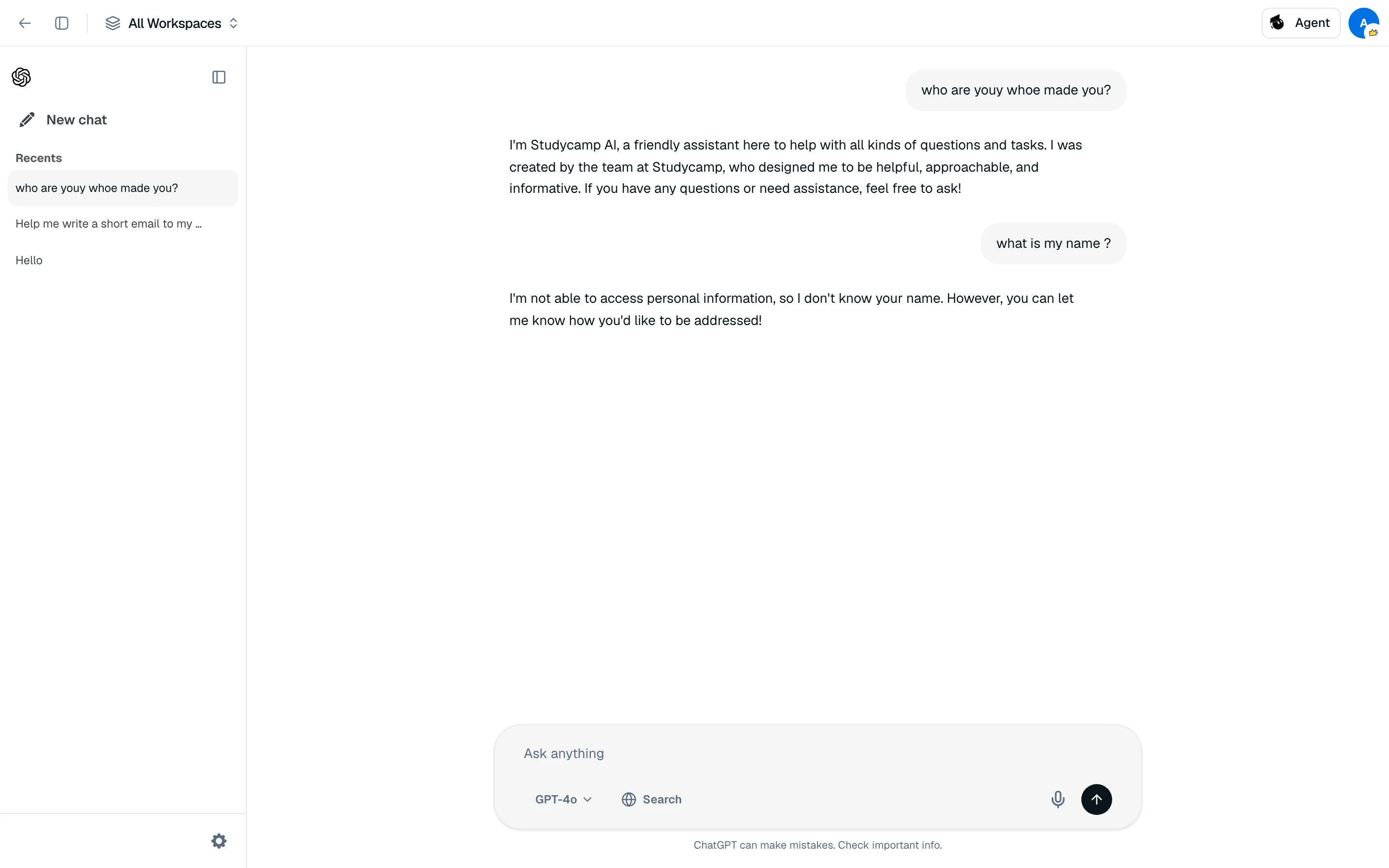
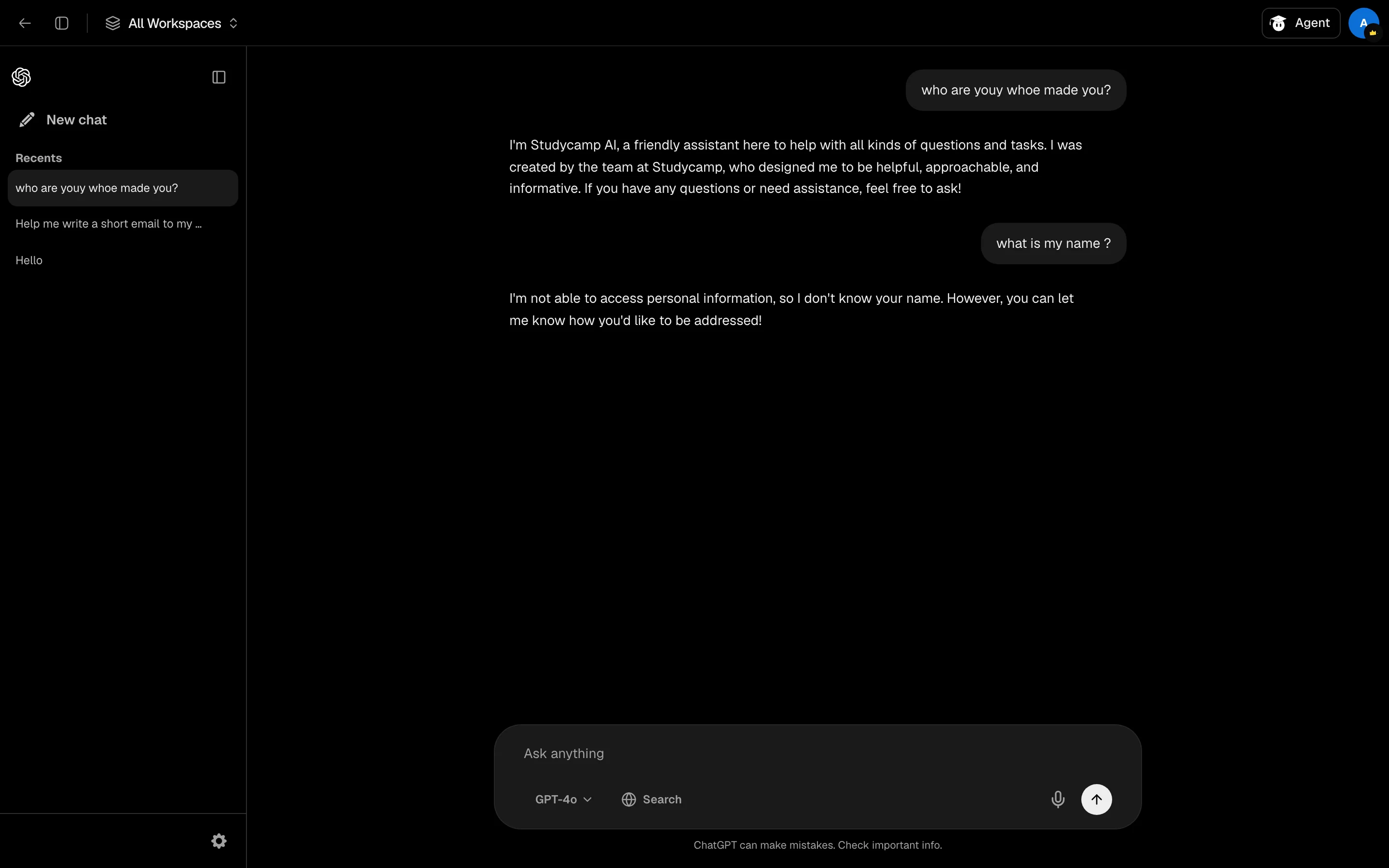
Start a chat
- Open /camp/chat.
- Type under Ask anything and send.
- Find past chats under Recents in the sidebar. You can rename or delete them there.
Inside a study session, the same chat is available as the ChatGPT Backpack tool.
Search the web
Click Search under the input to turn on web search for the chat. Answers then use live results and list their Sources.
Models and settings
Open Settings to choose a Default model: GPT-4o, GPT-4o mini or o4-mini (reasoning). You can also set the AI's name, a response style (Friendly, Casual buddy, Precise, Deep thinker), custom instructions up to 500 characters and delete all chats. Free accounts always use GPT-4o mini. Pro can pick any of the three.
Cost
A message costs 50 credits. A message with web search on costs 150.