Documents
Write essays and longer papers in OfficeAI, with templates, footnotes, equations, version history and Word import and export.
Тази страница все още не е преведена. Показва се английската версия.
OfficeAI at /camp/documents is a rich-text editor for essays, reports and theses. Agent can edit the document with you, and you can import and export Word files.
Create or import a document
- Open OfficeAI from the Backpack.
- Click New document to start blank, or Import DOCX to bring in a Word file. Only .docx files up to 50 MB can be imported.
- Use the search box to find documents later. The list shows when each was last edited.
Start from a template
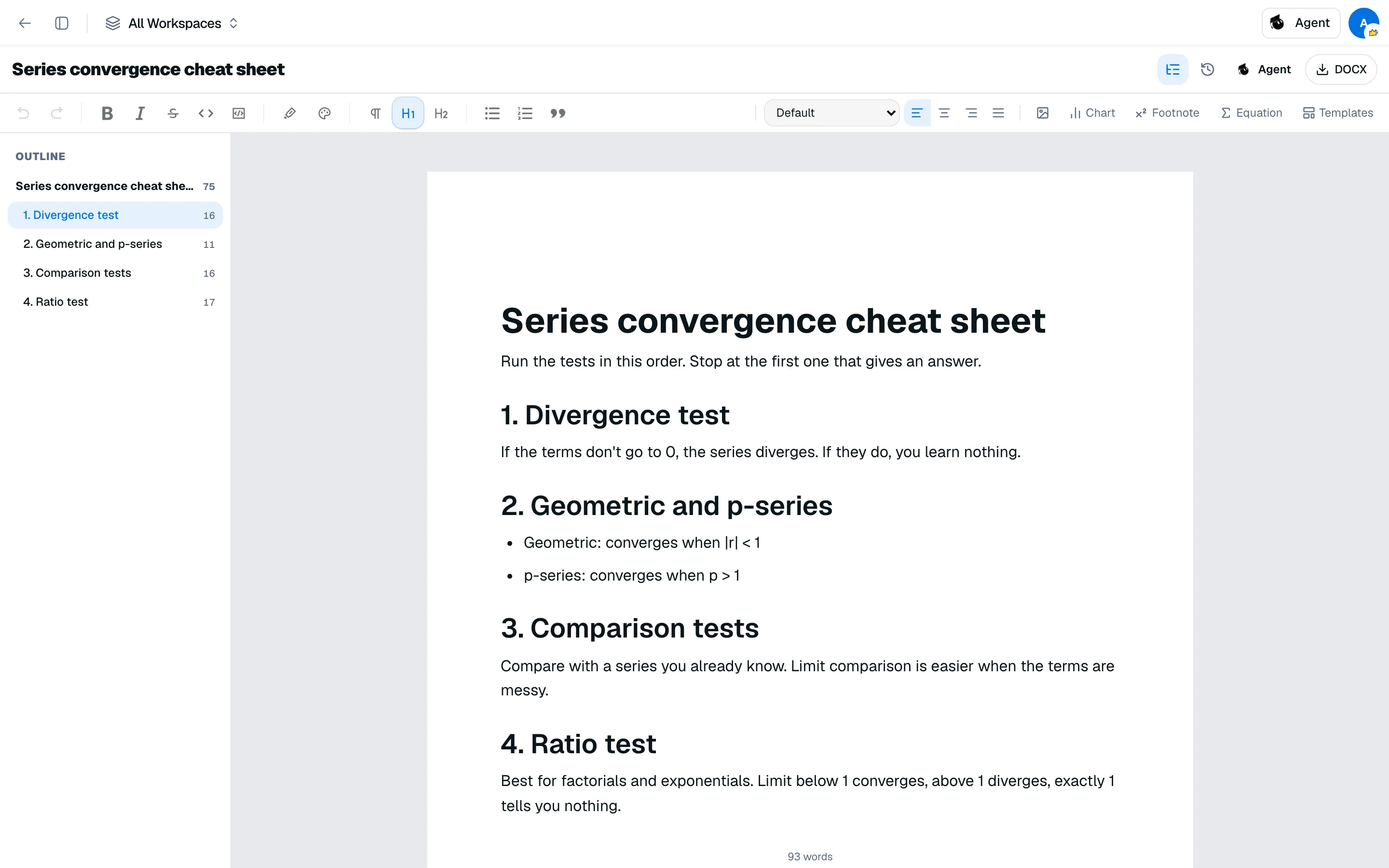
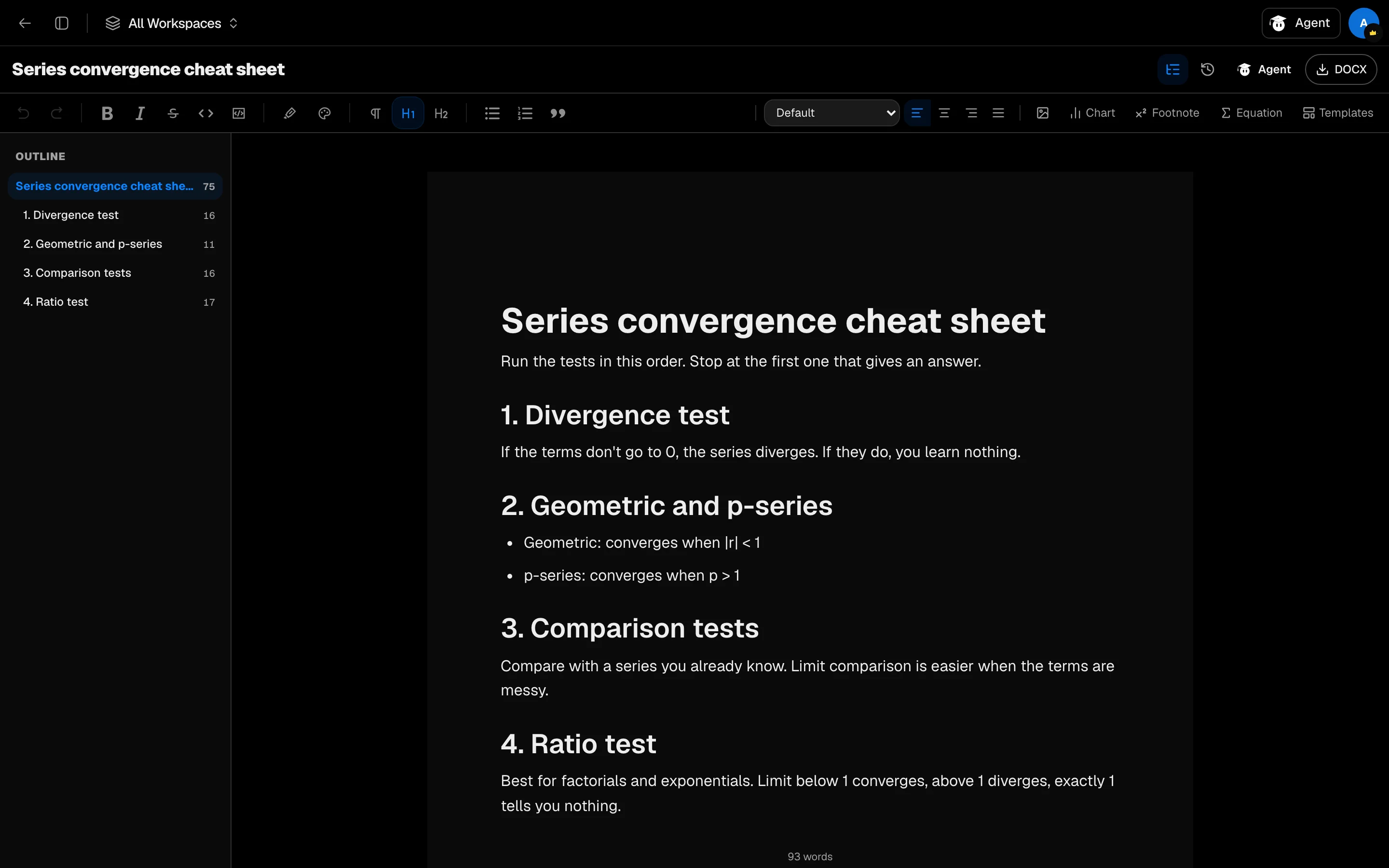
In the editor, open Templates to start from Thesis, Essay, Research paper, Lab report, Book report, Annotated bibliography or Presentation outline. A template replaces the whole document, so Studycamp saves your current text to version history first and asks you to confirm.
Write
The editor saves as you type and shows Saving… then Saved. If saving fails it shows Not saved with a Retry button.
You can:
- Show an Outline built from your headings, with word counts.
- Insert footnotes that renumber themselves, equations written in LaTeX, charts, and images up to 10 MB.
- Add figure captions to images.
- Check the word count, or the count for the selected text.
Edit with Agent
Click Agent in the editor header to open the Agent panel in Edit mode. Describe a change, such as tightening a paragraph. Edits go straight into the document around your cursor and can be undone. Each Agent edit costs 100 credits.
Version history
Open Version history to see copies. One is saved about every 10 minutes while you write. Click Save version to name one, such as "Sent to supervisor", and use Restore to go back. Restoring saves your current text first.
Export
Click DOCX to download a Word file. Some things change in Word: charts become tables and formulas become plain text. The download message says what changed.
Documents or Notes
Use Documents for long writing. Use Notes for quick notes. Documents are written in Studycamp, while Storage holds files you upload.