
Grades
Track exam and assignment results per subject in your country's grading system, with retakes.
Тази страница все още не е преведена. Показва се английската версия.
Grades, in the Backpack, keeps your results per subject. It understands 27 grading systems, so a "2" in Germany and an "A-" in the United States are treated correctly.
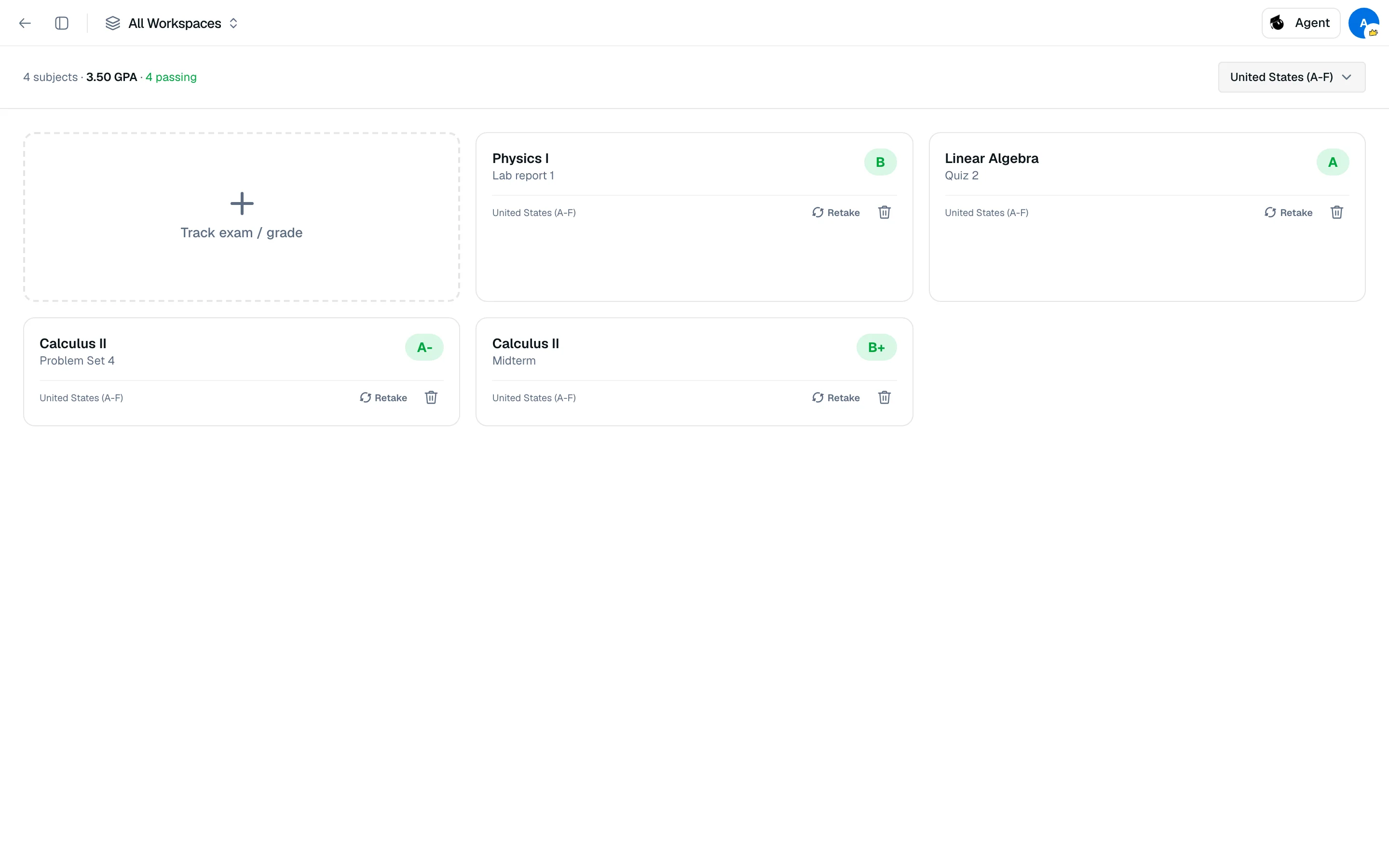
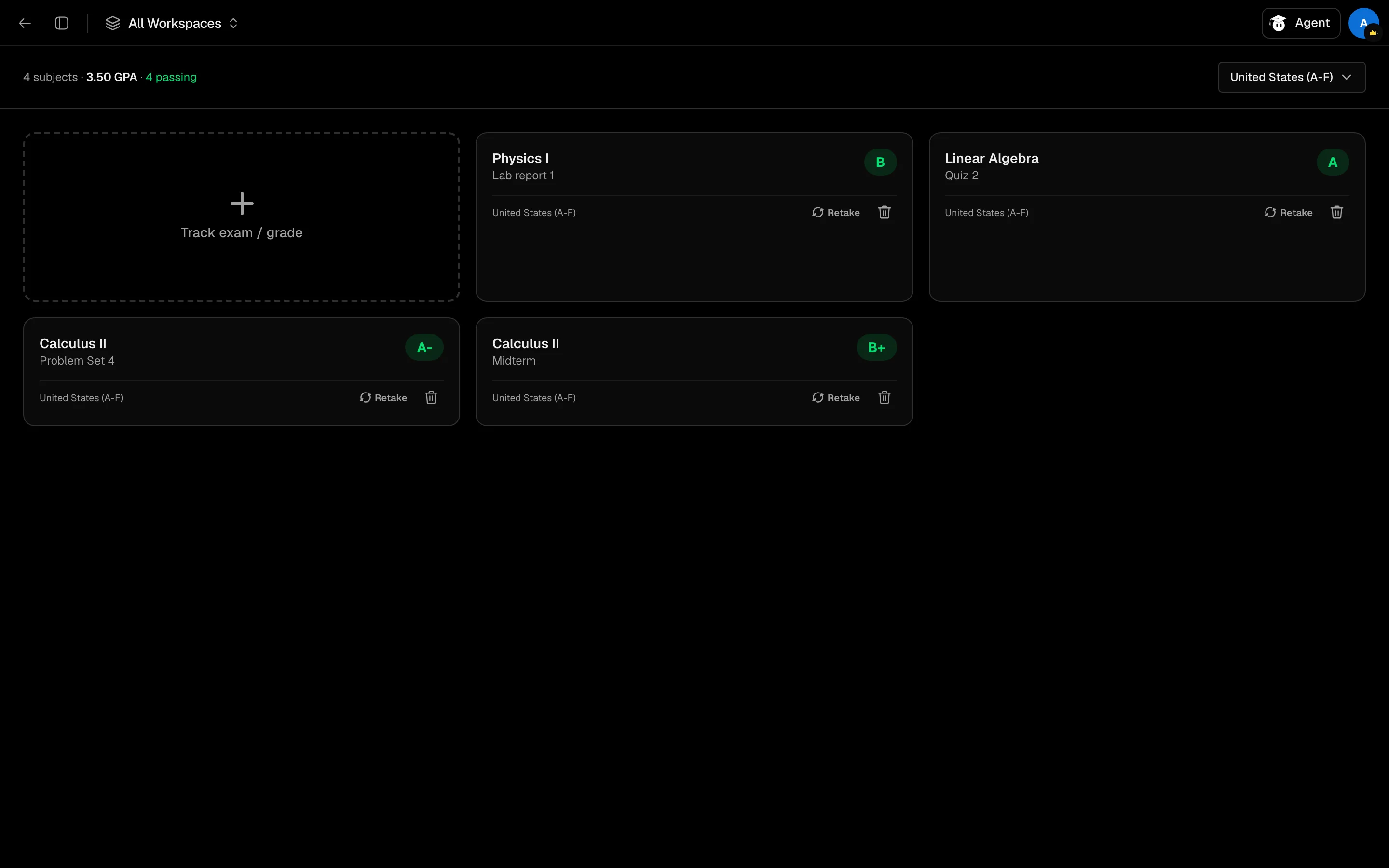
Add a result
- Open Grades from your Backpack or the sidebar.
- Choose your grading system in the selector at the top right. Systems are grouped by region (Americas, Europe, Middle East, Asia & Pacific, Africa) plus Pass/Fail.
- Click Track exam / grade.
- Enter the Subject (required), an optional exam or assignment name and exam date.
- Pick a grade if you have one, then click Add with grade. Without a grade, click Track exam and add the result later.
A card without a grade shows Pending. Use Add result... on the card when it arrives.
Retakes
Click Retake on a card to log another attempt, with or without a grade yet. Cards list Original and Retake 1, Retake 2 and so on, and mark improved when a failing result becomes passing.
Averages
The header shows your subject count, then an average per grading system, such as a GPA or a percentage. Averages use the latest attempt for each subject. It also counts how many results are pending, passing and failing.
Grades are not weighted. Each subject counts equally in the average.