Canvas
Sketch diagrams and work through problems on an infinite whiteboard, and what to know about where it is saved.
Тази страница все още не е преведена. Показва се английската версия.
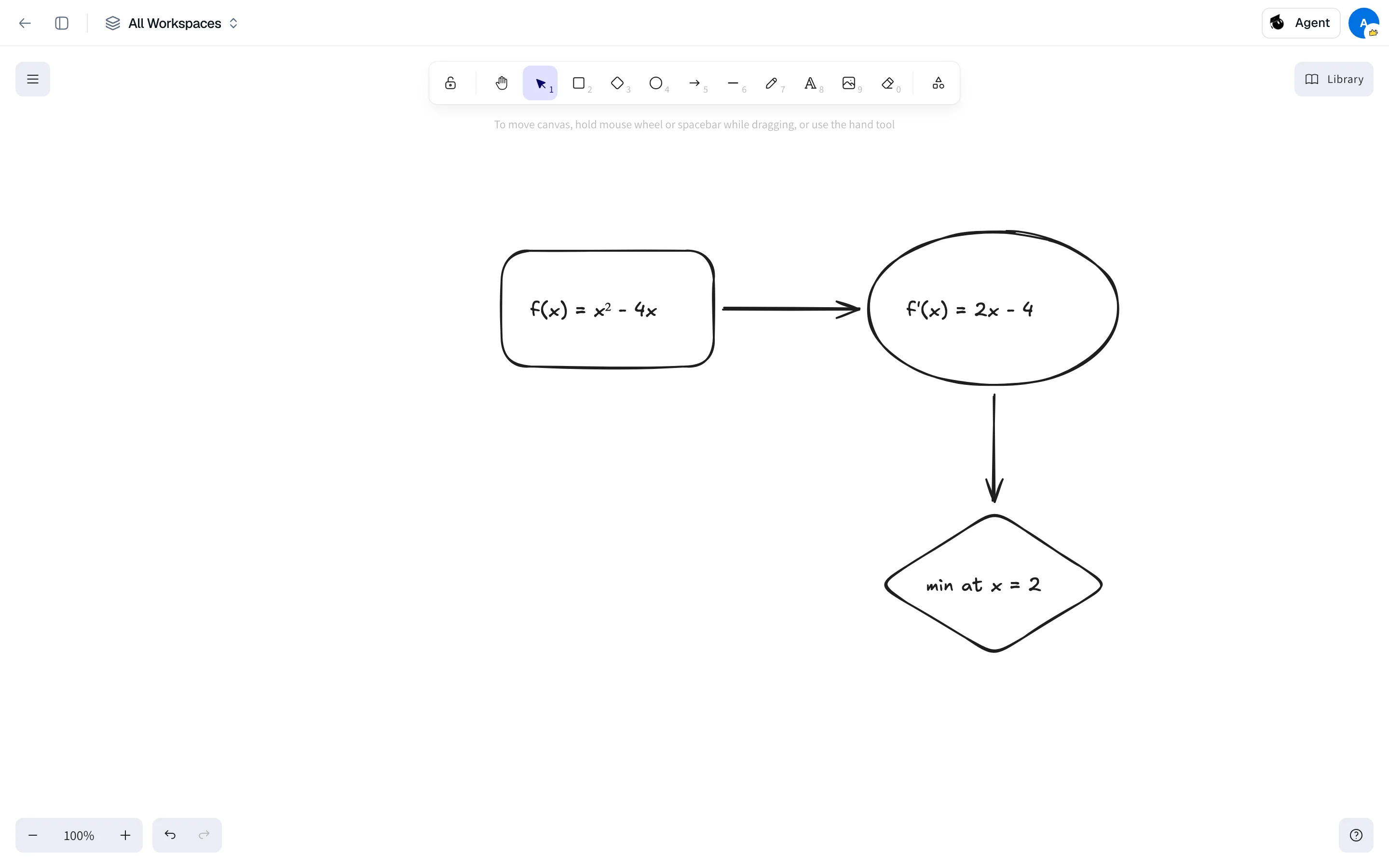
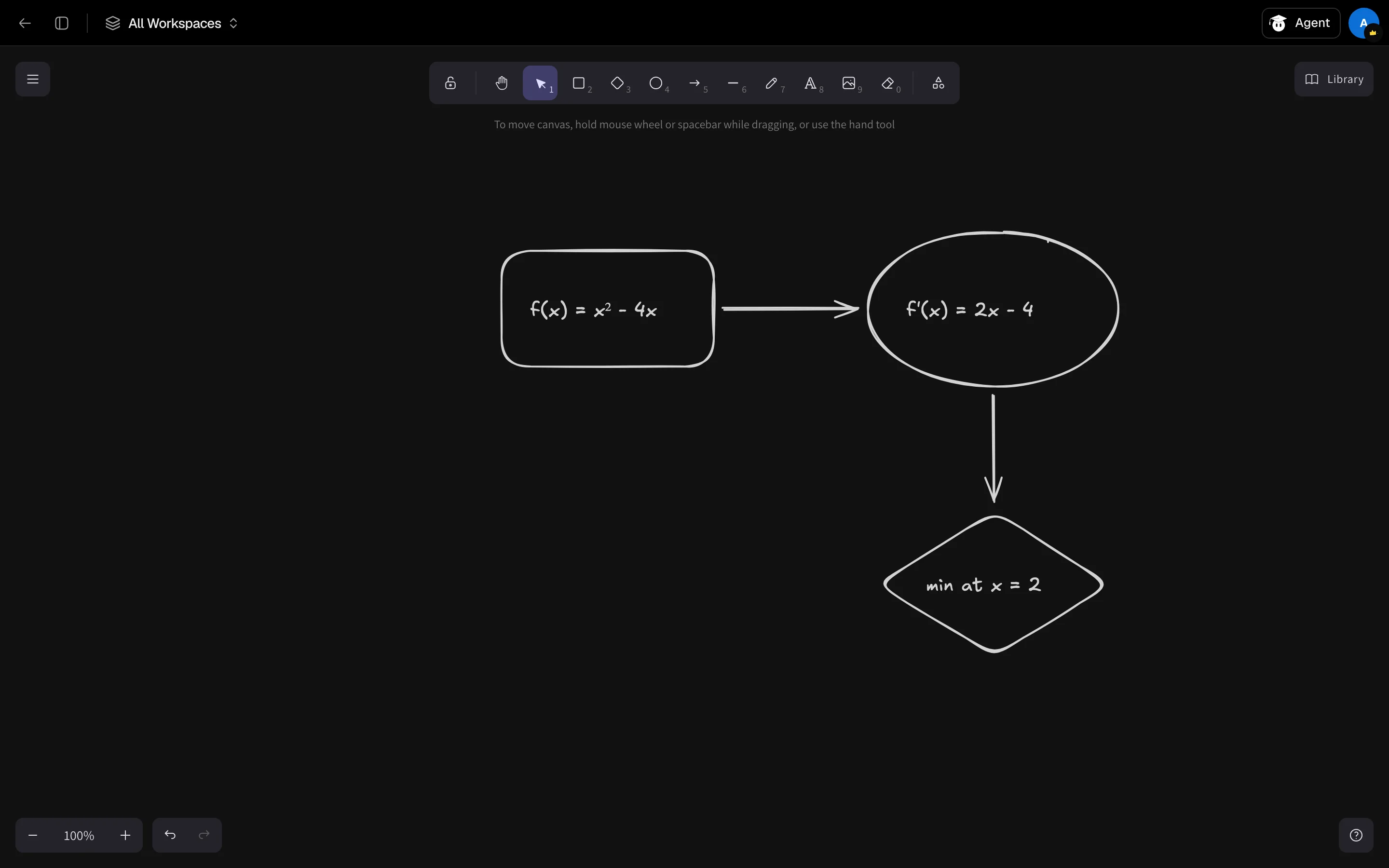
Canvas at /camp/canvas is an infinite whiteboard for diagrams, mind maps and hand-worked problems. It is not an integration with the Canvas learning management system.
Use the whiteboard
- Open Canvas from the sidebar.
- Draw, add shapes and arrows, or type text with the toolbar. Pan and zoom as far as you need.
- To keep a copy, use the export option in the board's menu to save it to your device.
Where it is saved
Your board is saved automatically in this browser, and it reopens as you left it. It is not saved to your account, so a different browser or device shows an empty board. There is one board.
If the browser cannot save, Canvas shows This drawing could not be saved on this device with Retry save and Download drawing. If a saved board cannot be read, use Recover local work to download it.
Canvas LMS
Connecting to Canvas LMS is listed as coming soon and is not available yet.
Want AI help on a board
For a board the AI draws from your files, see Whiteboard.