
Agent
Ask Agent about your courses, deadlines, notes and quizzes, and approve any change it proposes.
Denne side er ikke oversat endnu. Viser den engelske version.
Agent is the study assistant that knows your whole Studycamp: calendar, notes, tasks, flashcards, quiz history and files. It answers from your own data and only changes something after you confirm.
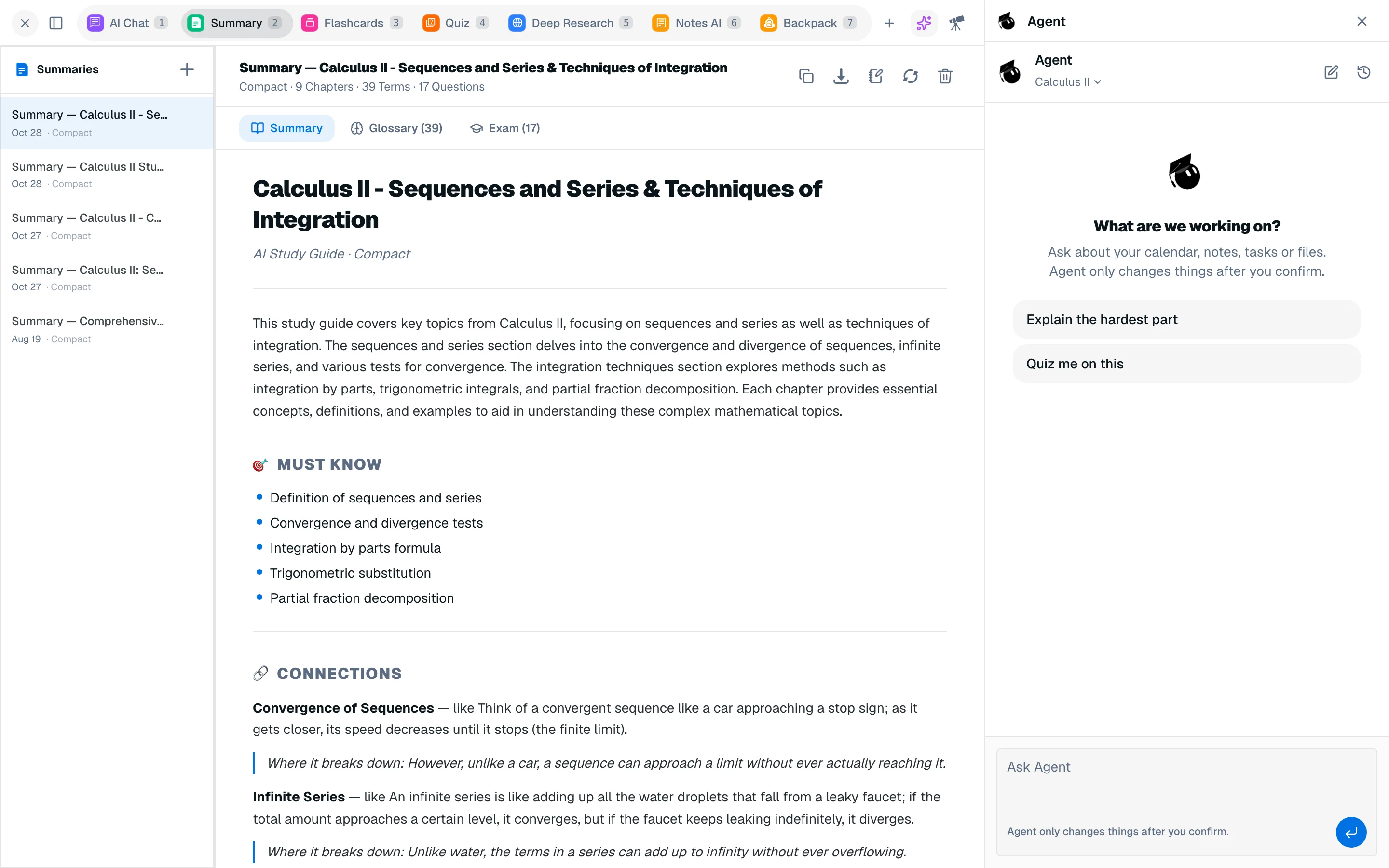
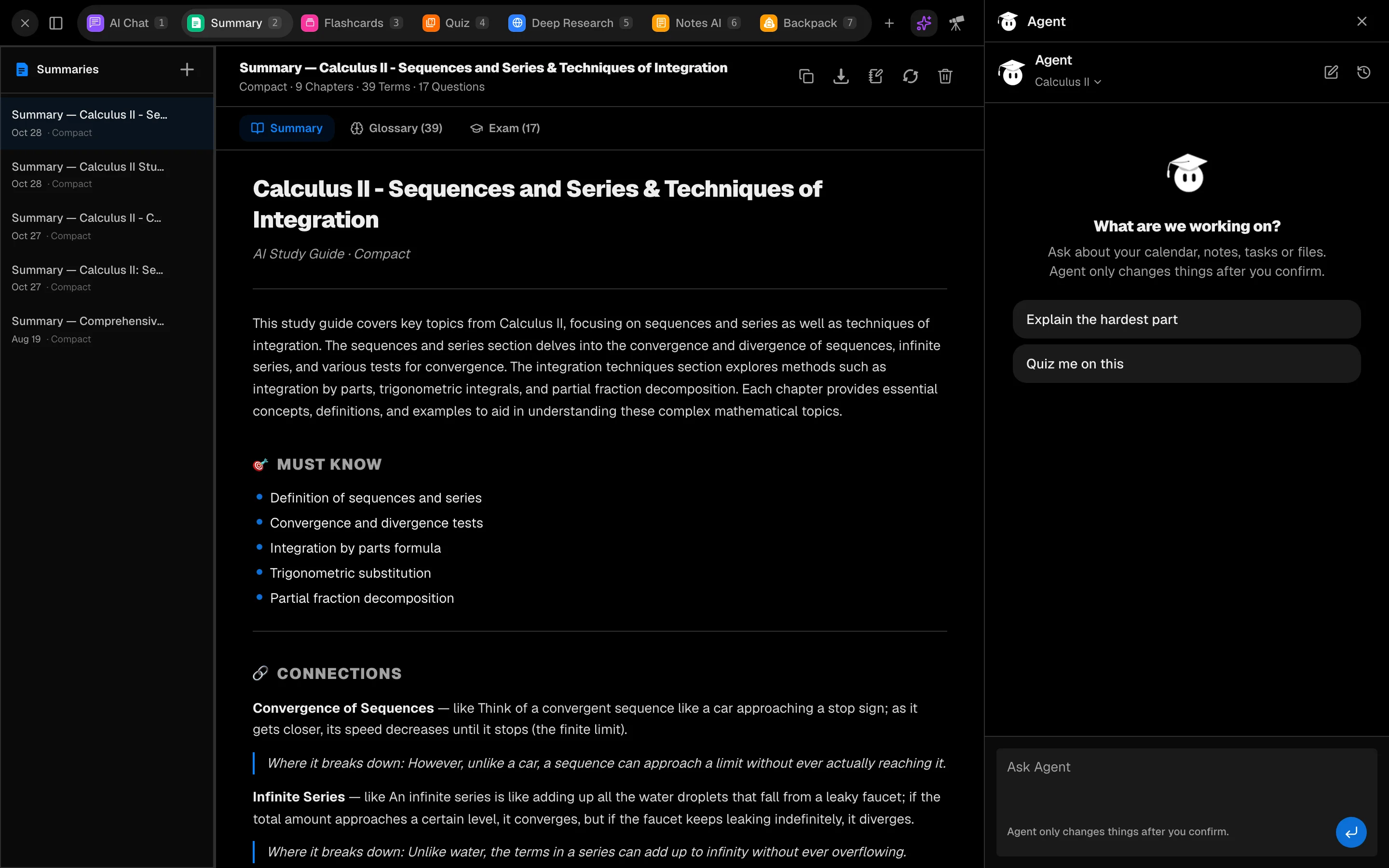
Open Agent
- Click the sparkles button (Open Agent) in a study session or the camp navigation to open the panel. You can pop it out, dock it to the side or resize it.
- Go to /camp/agent for the full page.
- Add Agent as a tile in a session.
If Agent is off, turn on Use Agent in Settings.
Today and Team
The Agent page has two tabs. Today is your briefing: what matters now, what is coming up, what Agent knows, what it still needs from you and a next step. Coach's read on each course appears here too. Team is a group chat with several bots. See Bots.
Add a syllabus
Click Add syllabus or course document and upload a PDF, DOCX or TXT of up to 80 pages (25 MB). Agent reads it, then shows What Agent found. Nothing is added until you click Apply, and you can untick anything that is wrong. Scanned PDFs are not supported yet.
Ask questions
Type in Ask Agent. Agent can look at your workspaces, notes, tasks, flashcards, quiz attempts, calendar, pomodoro history, files, recordings and podcasts, and search the content of your materials. Use the scope menu to limit it to one course.
Approve changes
When Agent proposes a calendar event, you see a card with Add to calendar and Dismiss. Agent can also offer buttons, such as starting a focus timer or opening the Slides tool. Nothing happens until you press one.
Limits and cost
Each answer costs 50 credits. Free accounts can ask 2 questions per day (resetting at 00:00 UTC), shared with the core bots. Pro has no daily cap.