
Pomodoro
Run focus and break rounds with a timer, label your sessions and review your focus time.
Denne side er ikke oversat endnu. Viser den engelske version.
Pomodoro, in your sidebar, is a focus timer that alternates work and break phases and records the time you focus.
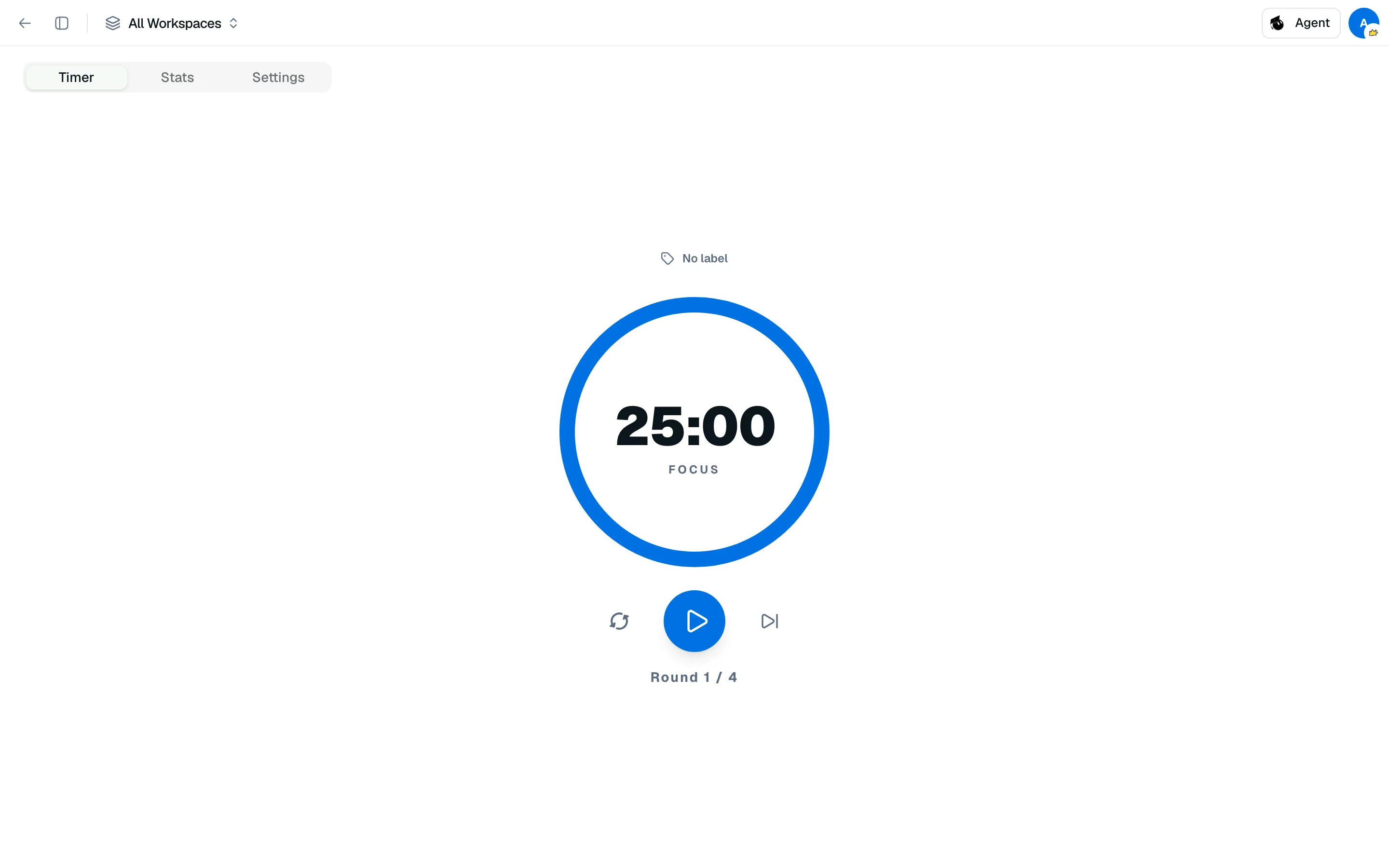
Start a session
- Open Pomodoro from the sidebar.
- On the Timer tab, optionally pick a label.
- Click Start. Use Pause, Reset or Skip as needed.
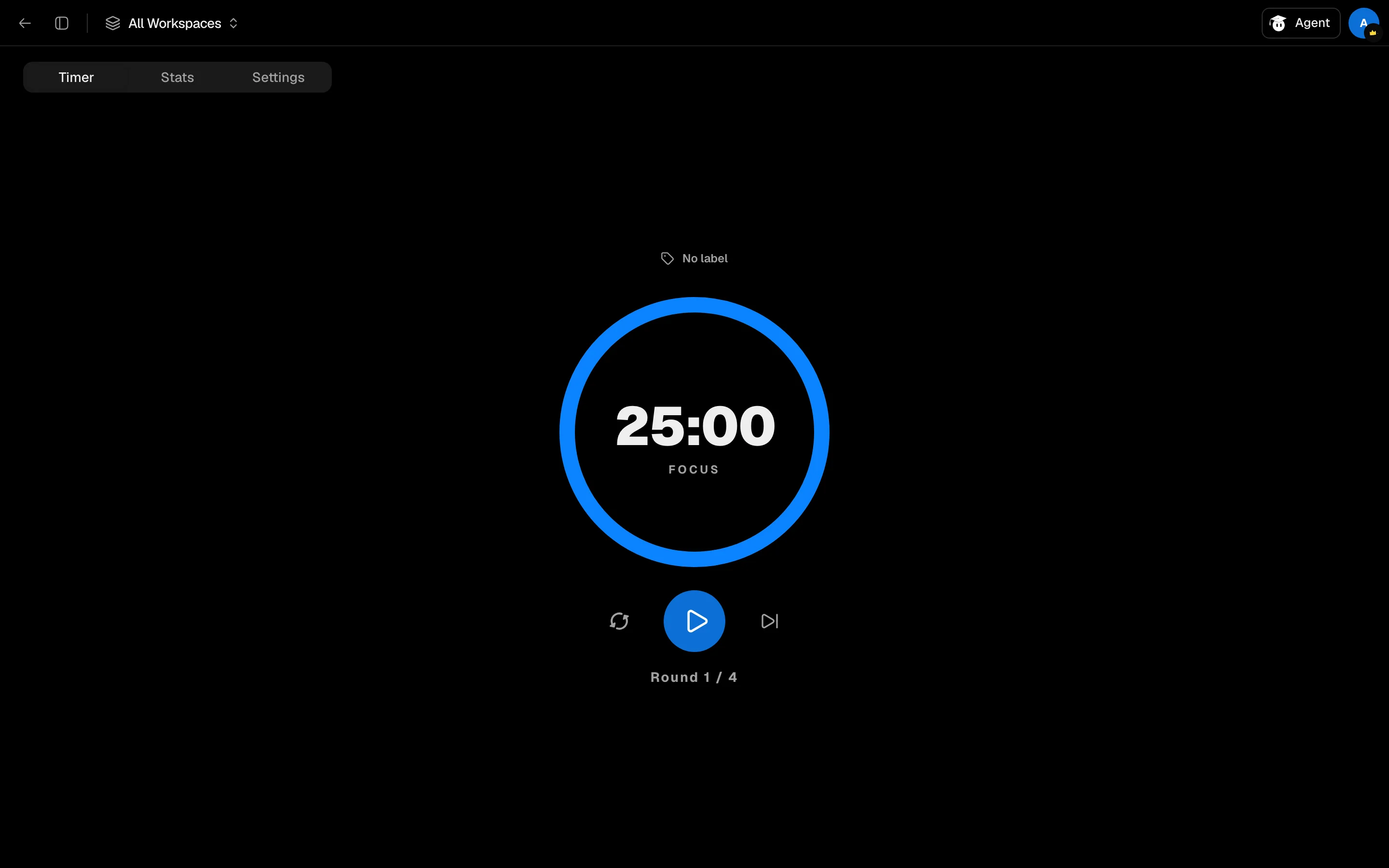
The ring counts down the phase: FOCUS, BREAK or LONG BREAK, with Round 1 / 4 underneath. After the last round you get a long break. Defaults are 25 minutes of focus, 5 minutes of break, 20 minutes of long break and 4 rounds.
The timer keeps running when you move to another page, and the time can show in the browser tab title.
Settings
On the Settings tab, set the focus duration (5 to 60 minutes), short break (5 to 30), long break (5 to 45) and rounds per cycle (2 to 15). You can also toggle Show timer in browser tab title, Browser notifications, Autostart next session and the First day of week. Settings are stored in your browser.
Labels
Use Focus Labels to create, edit and delete labels such as a course name, so your time is grouped by what you worked on.
Stats
The Stats tab shows time and sessions for Today, Week, Month and Total, with ranges from the last 7 days to the last year, plus charts by day of week and By label. Focus time counts when a phase finishes. Stopping, skipping or leaving mid-session saves the time if it was at least a minute.
In a study session
The study session toolbar has a Study tools (telescope) menu with a compact timer. The time left shows on its icon while running.