
Friends
Invite friends with a link, accept requests, and remove or block people in Campfire.
Ova stranica još nije prevedena. Prikazujemo englesku verziju.
Friends controls who you can start a Campfire room or direct message with. You add someone by sending them an invite link.
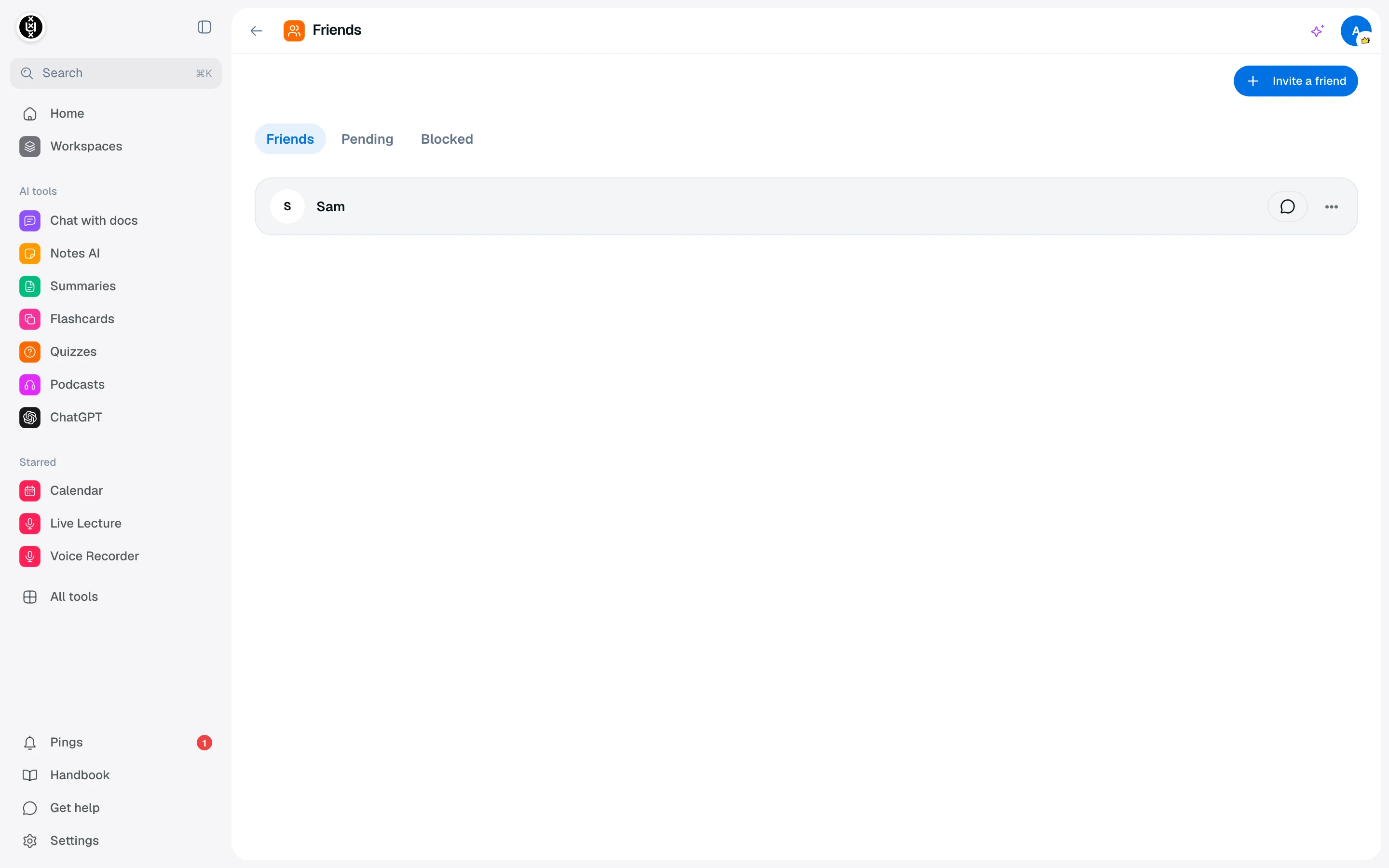
Invite a friend
- Go to the Friends page at
/camp/campfire/friends. - Click Invite a friend.
- Click Copy link, or Share to send it with your device's share sheet.
- Send the link to your friend.
When they open it, they see " wants to be your friend" and can Accept, Decline or Block. Once they accept, they appear under Friends.
A friend invite link expires after 7 days. If it stops working, generate a new one.
Manage your list
The page has three tabs.
| Tab | What it shows |
|---|---|
| Friends | People who accepted. |
| Pending | Invites you sent that nobody accepted yet. |
| Blocked | People you blocked. |
On a friend you can choose Message to open a direct message, Remove to drop them from your list, or Block. Blocked people cannot invite or message you. Use Unblock in the Blocked tab to undo it. On a pending invite, Revoke cancels the link.
Room invites
Invites to a specific room come from the room itself, not from this page. See Campfire.