
To-do
Keep a simple checklist of study tasks, standalone or tied to a workspace.
Ova stranica još nije prevedena. Prikazujemo englesku verziju.
To-do, in the Backpack, is a plain checklist. Use it for small tasks that do not need a date or a board.
Open To-do
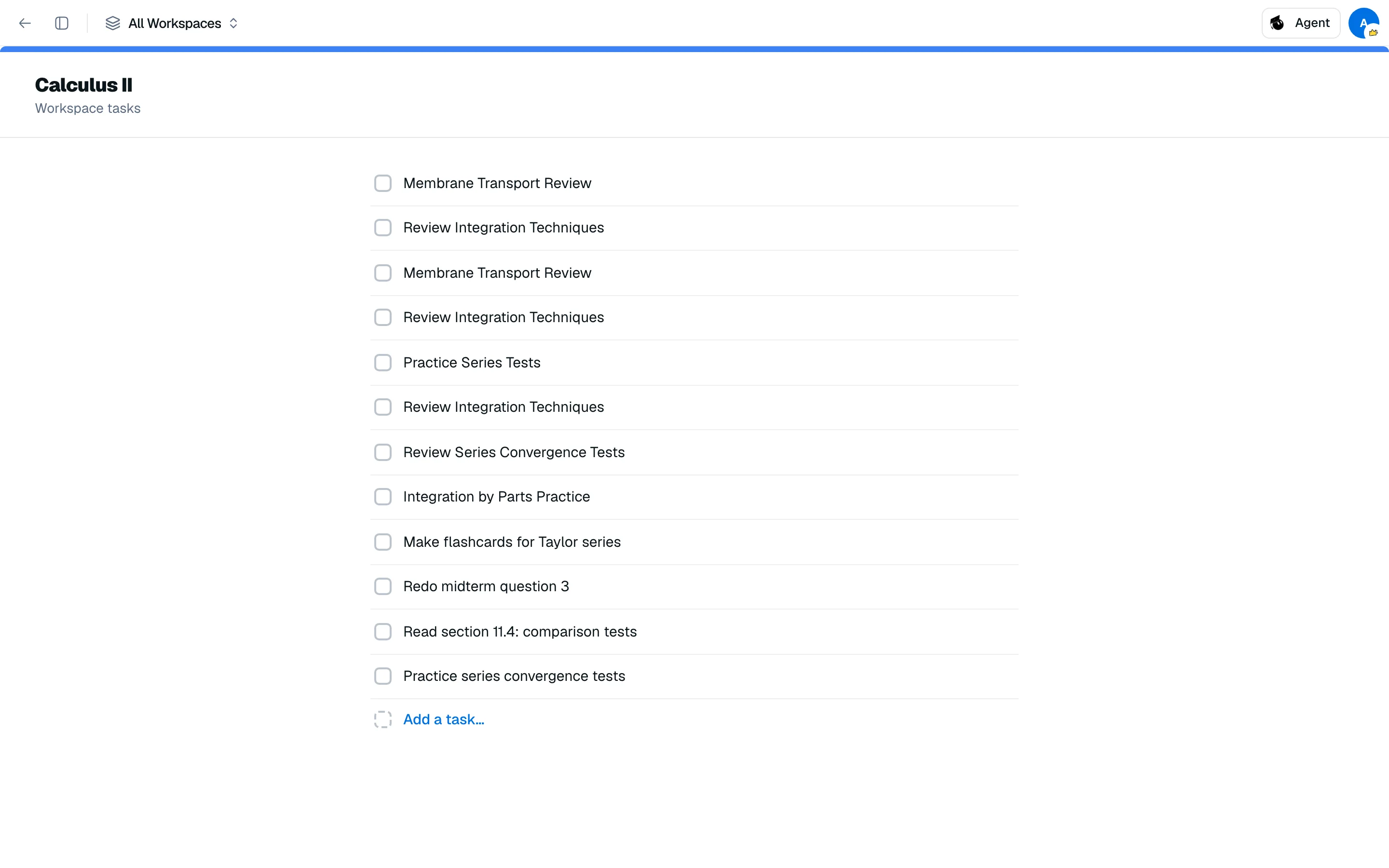
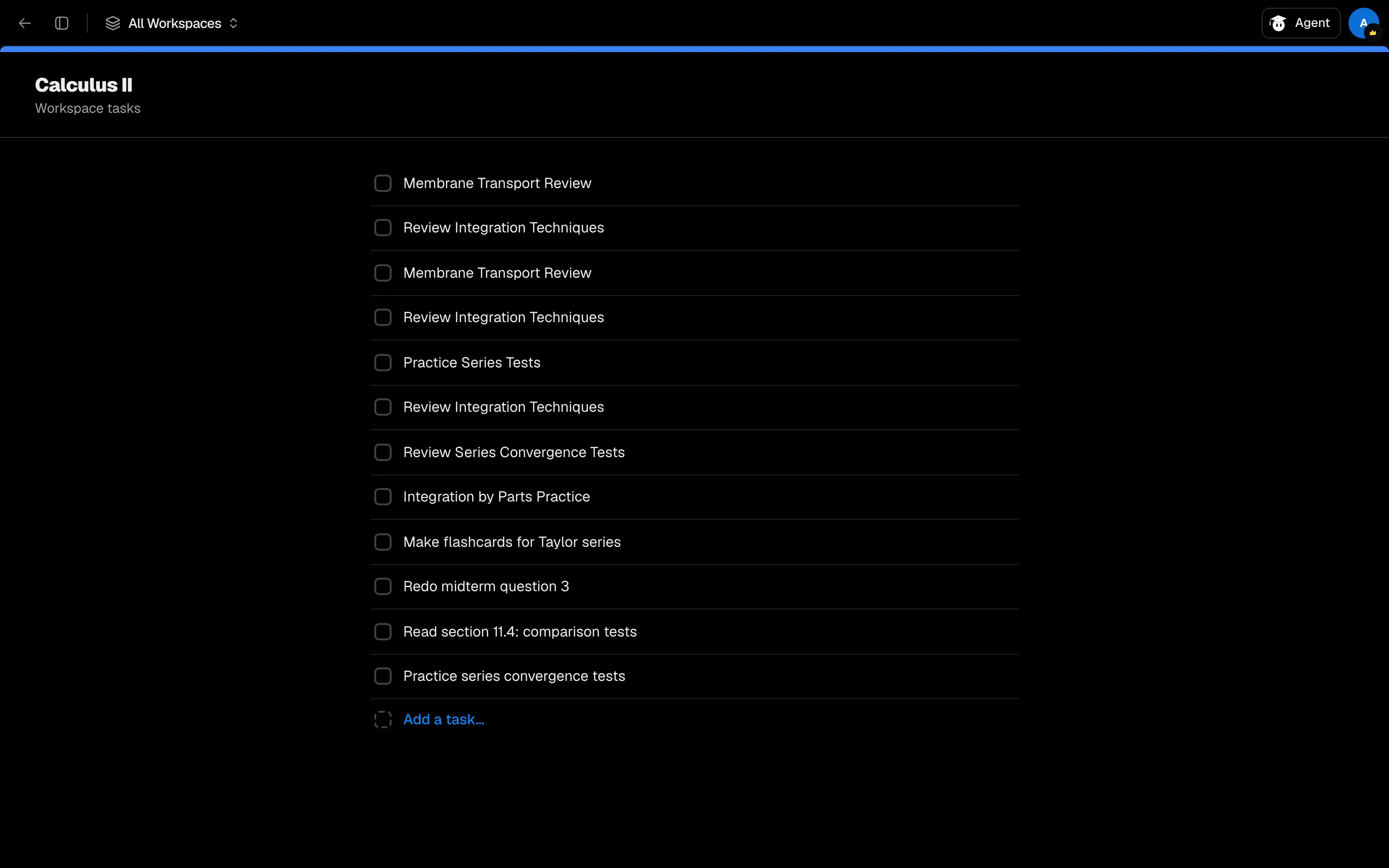
Open To-do from your Backpack or the sidebar. The page lists Standalone tasks and one card per workspace, each showing progress such as 2/5 done. Open a card to see its tasks.
Add and complete tasks
- Open Standalone tasks or a workspace.
- Type in the Add a task... row and press Enter. Titles can be up to 200 characters.
- Click a task to check it off. Completed tasks move into a collapsed group at the bottom that shows the done count.
Edit or delete
Hover a task and open its menu. Edit changes the title: press Enter to save or Esc to cancel. Delete asks you to confirm.
Tasks have a title and a done state only. For due dates and steps, use Kanban or the Calendar.
Use it in a study session
To-do is one of the Backpack tools you can open as a tile in a study session, so you can note a task without leaving your file.