
Ranac
Countdown
Count down to exams and deadlines with live days, hours, minutes and seconds, and pin them to your home page.
Ova stranica još nije prevedena. Prikazujemo englesku verziju.
Countdown, in your sidebar, tracks the time left until an exam or deadline. The most urgent ones can sit on your home dashboard.
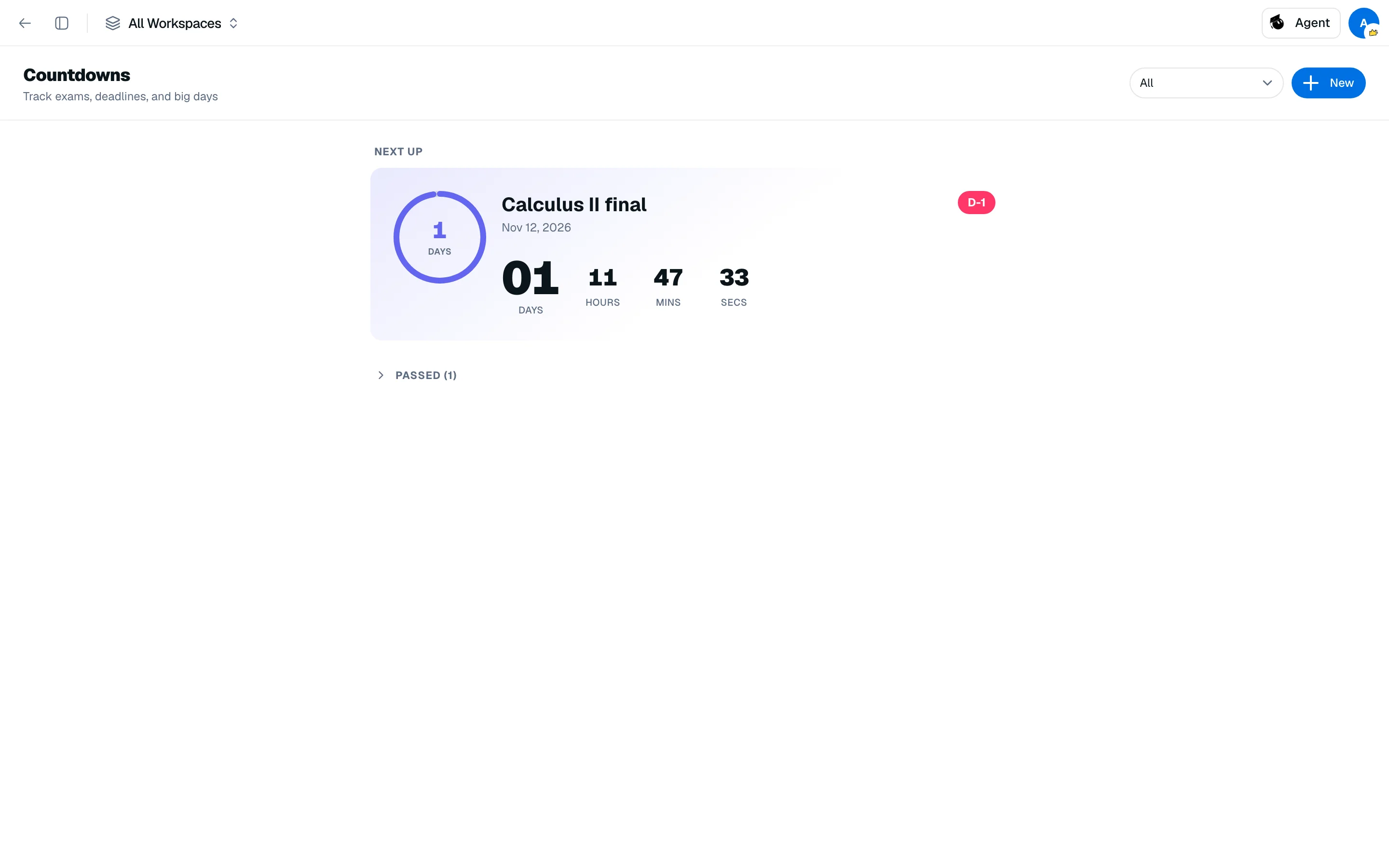
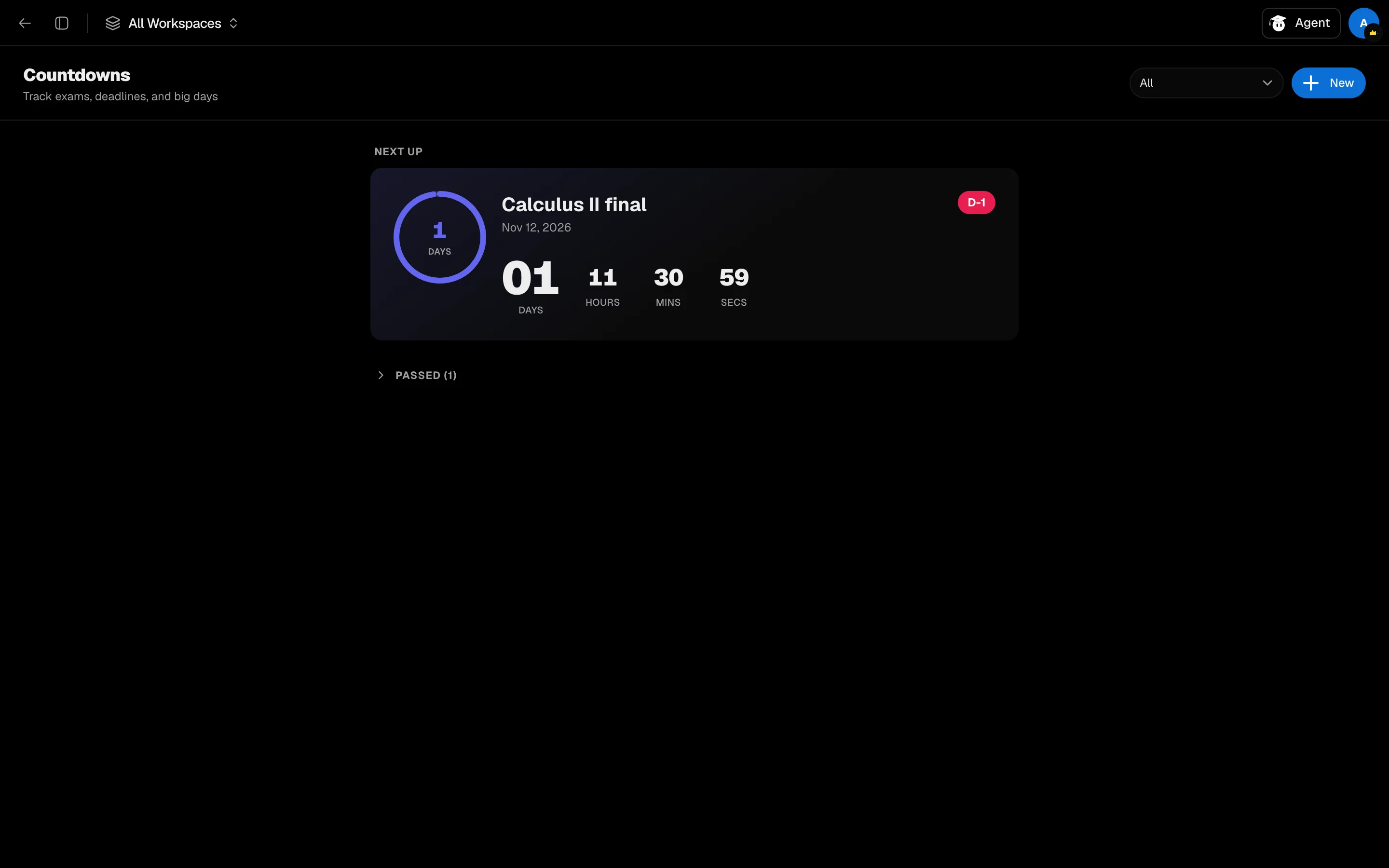
Add a countdown
- Open Countdown from the sidebar.
- Click Add countdown.
- Enter a title, such as "Midterm Exam", and pick a date. Or choose From a calendar event to copy the title and date from an event.
- Pick an accent color.
- Optionally assign a workspace, and leave Show on home dashboard checked.
- Save.
Read the list
Countdowns are grouped as Next up, Upcoming and Passed. Each shows days, hours, minutes and seconds ticking down. The days badge changes color as the date gets closer.
Use the filter to switch between All, On home, or a single workspace.
Manage a countdown
Open its menu to Edit, Hide from home / Show on home, or Delete. Countdowns made from calendar events stay tied to the event.
You can also add a Countdown widget to your home page or a workspace page.