Schedule
Build your weekly class timetable by uploading a photo or file of it, or by adding classes yourself.
העמוד הזה עדיין לא תורגם. מציג את הגרסה באנגלית.
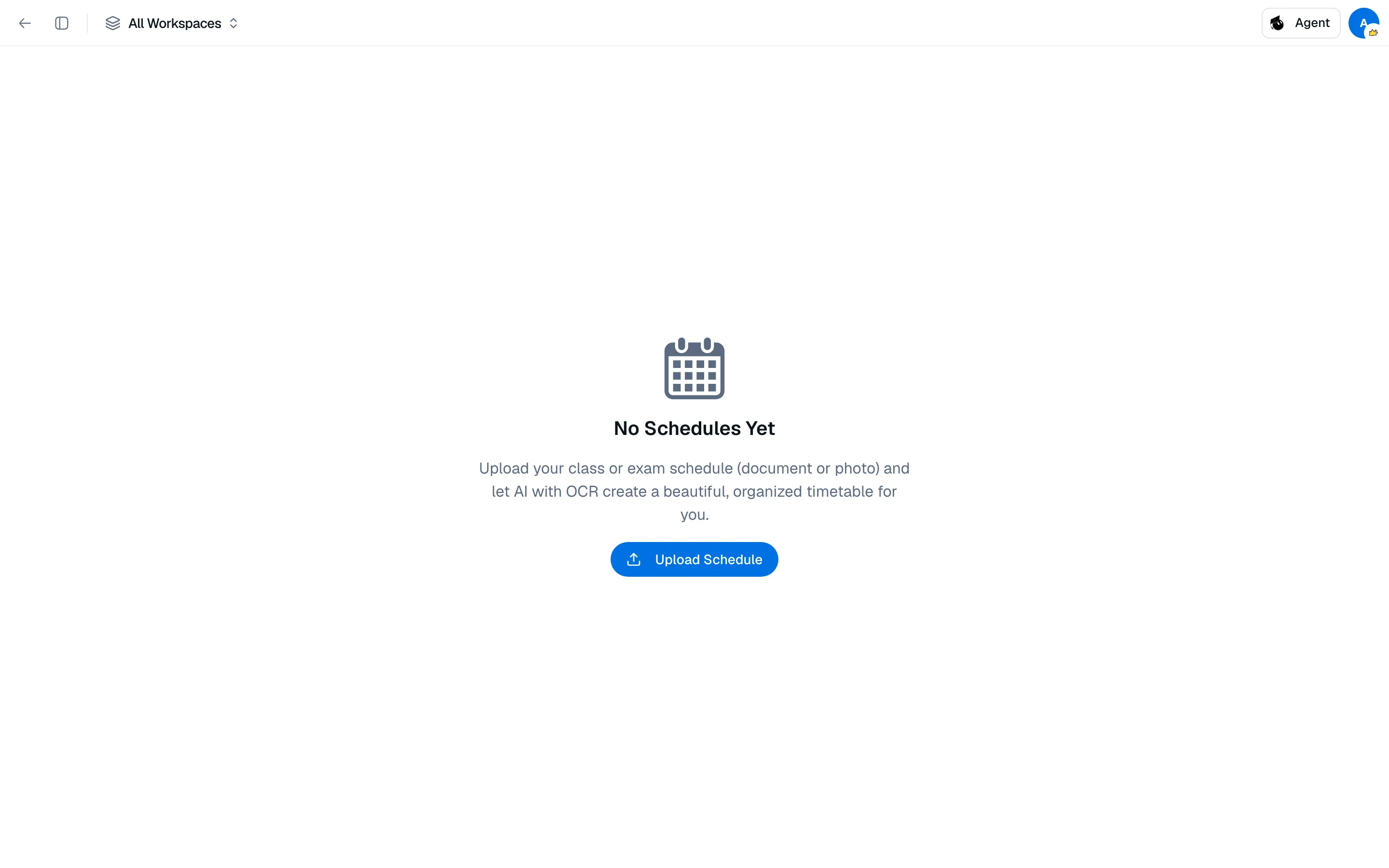
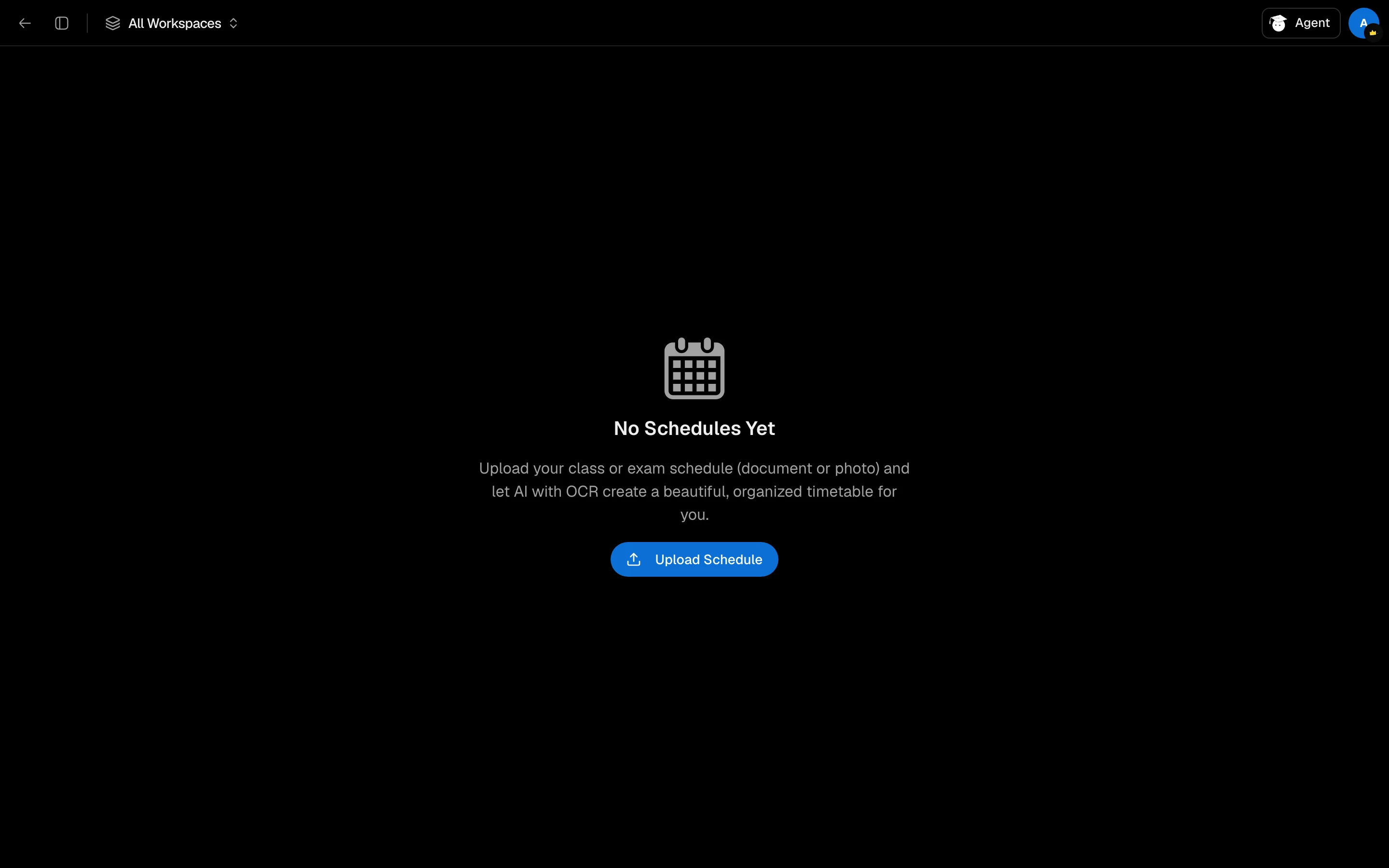
Schedule at /camp/backpack/schedule is your weekly class timetable. You can create it from a photo or document instead of typing every class.
Create a schedule from a file
- Open Schedule and click Upload Schedule.
- Drop a file or click to choose one. PDF, TXT, CSV and image files (JPG, PNG, WebP, GIF) up to 20 MB are accepted.
- Wait while the schedule is read with AI and OCR.
- Check the result and correct anything that was misread.
Reading a schedule costs 200 credits.
Add and edit classes
Click Add Class to enter a class by hand. Choose the days it repeats on, set the times and add notes such as "Bring calculator". Click a class to edit it. Use the selector at the top to switch between schedules, and the trash button to delete one.
Week and day views
Switch between a week grid and a single day. On the dashboard, the Schedule widget shows today's classes and marks the current one.
If classes are missing after an upload, retake the photo with the whole timetable in frame and good light, or add them manually.