
Summaries
Turn files into a study guide with a summary, glossary and exam questions, then export it or make slides.
העמוד הזה עדיין לא תורגם. מציג את הגרסה באנגלית.
The Summary tool (called AI Study Guide) reads your files and produces chapters, a glossary and practice exam questions in one run.
Generate a guide
- In a session, open Summary (key 3 by default).
- Add the files you want under Files. They must finish indexing first.
- Choose Compact (8 to 12 chapters, 40 to 70 terms, 18 exam questions, about 5 minutes) or Detailed (10 to 15 chapters, 80 to 150 terms, 30 exam questions, about 10 minutes).
- Click Generate.
Read it
The guide has three tabs: Summary, Glossary and Exam.
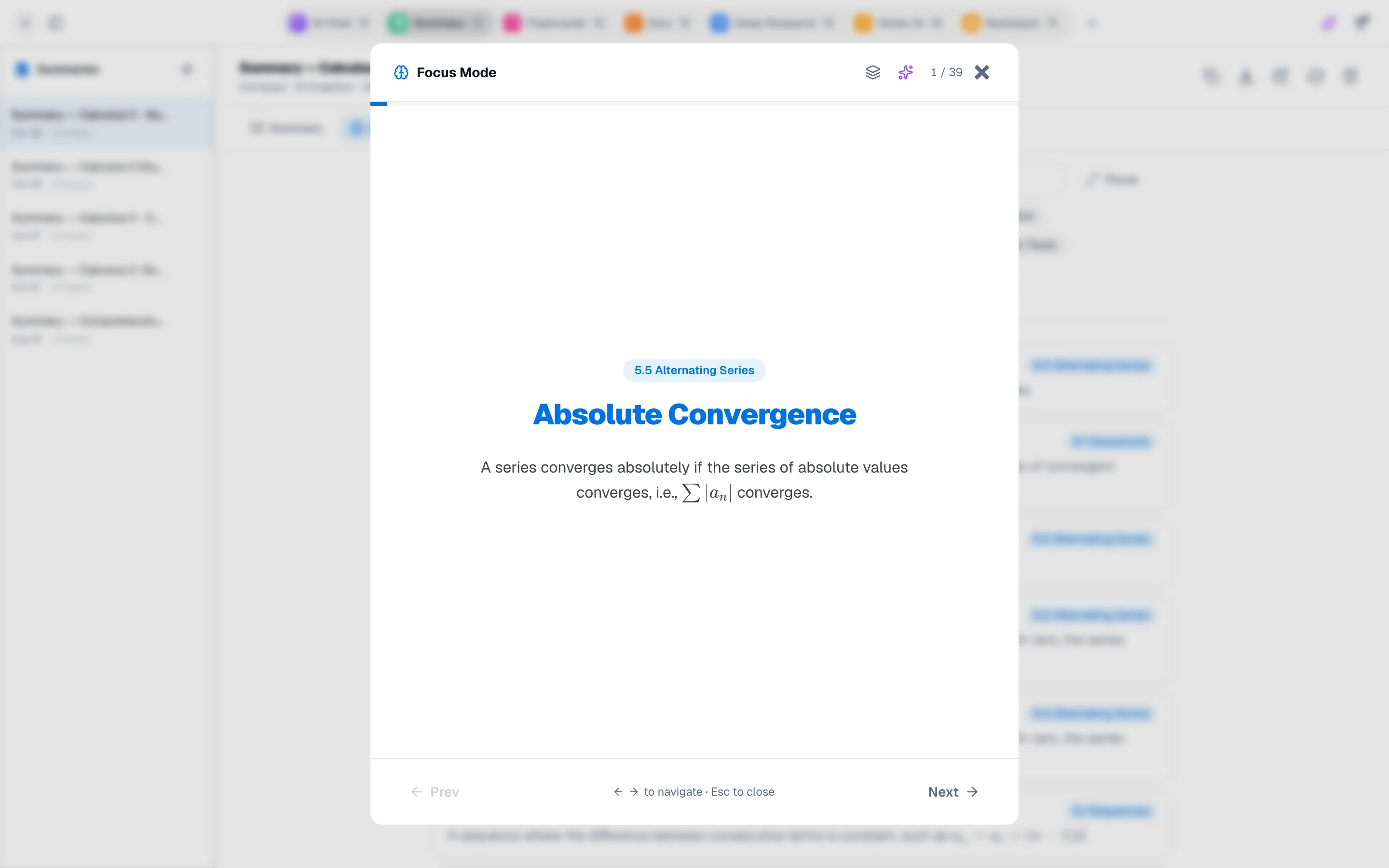
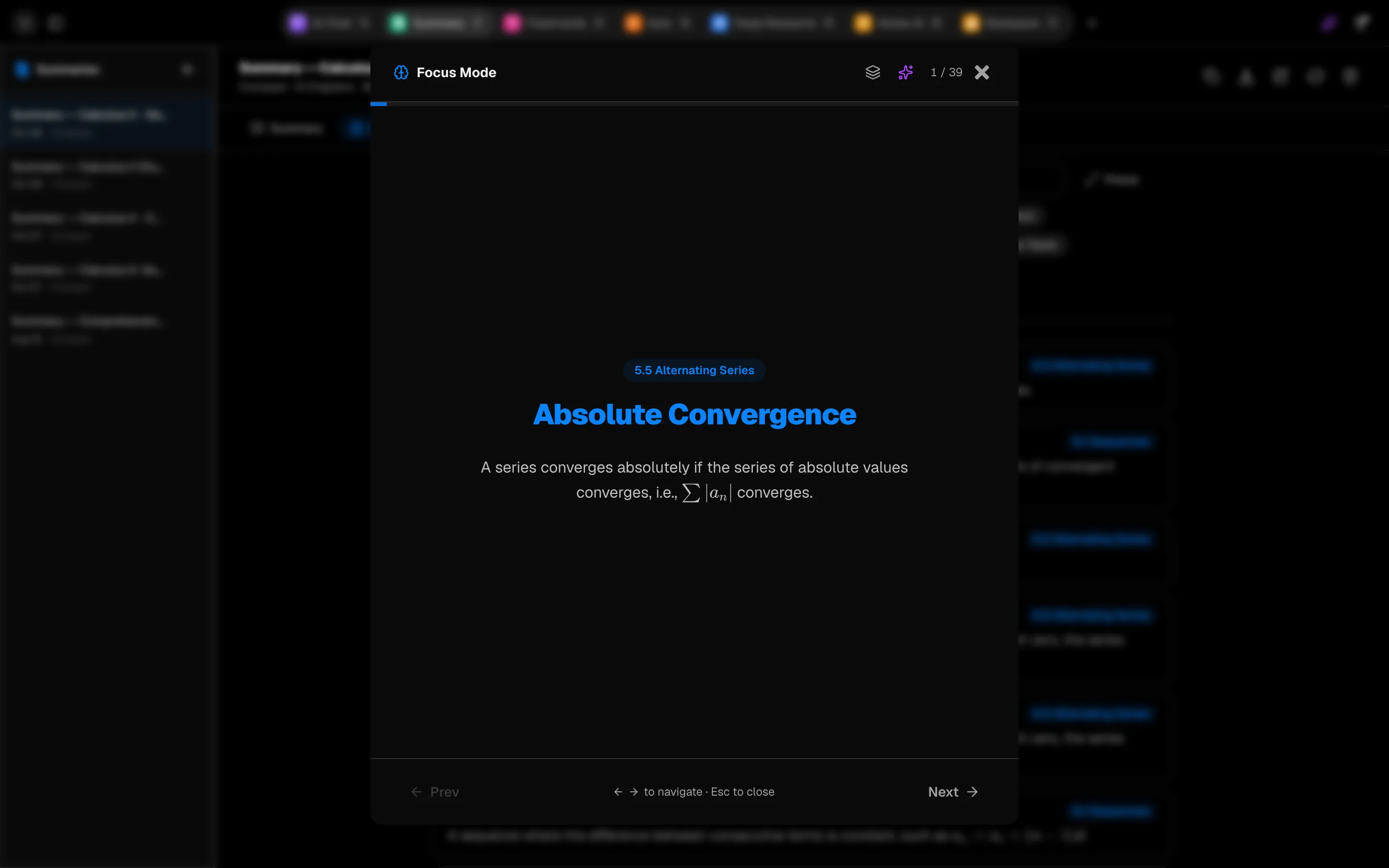
- Glossary: search terms or filter by topic. Focus goes through terms one by one as flip cards (Space flips). Ask Agent explains a term.
- Exam: multiple choice, short answer and essay questions with model answers. Shuffle randomizes options, and Start as Quiz turns them into a quiz. See Quizzes.
Export and reuse
Use Copy markdown, Download .md or Download PDF. Export flashcards and Export quiz send the glossary and questions to those tools. Turn into a note saves the guide to Notes, and Turn into slides opens the Slides tool with your files.
Slides
Slides builds a deck from your files. Choose Learn or Present, the slide count and an optional focus, then Make slides. You can edit slides, pick a theme and Download .pptx or Export PDF. A deck costs 600 credits.
Cost
The study guide costs 300 credits and includes the glossary and exam questions. Regenerate replaces the current guide.