
לימוד AI
Deep research
Research a question on the web and academic sources, get a cited report and export it or save it as a note.
העמוד הזה עדיין לא תורגם. מציג את הגרסה באנגלית.
Deep Research searches beyond your files and writes a report with citations. It is a Pro feature.
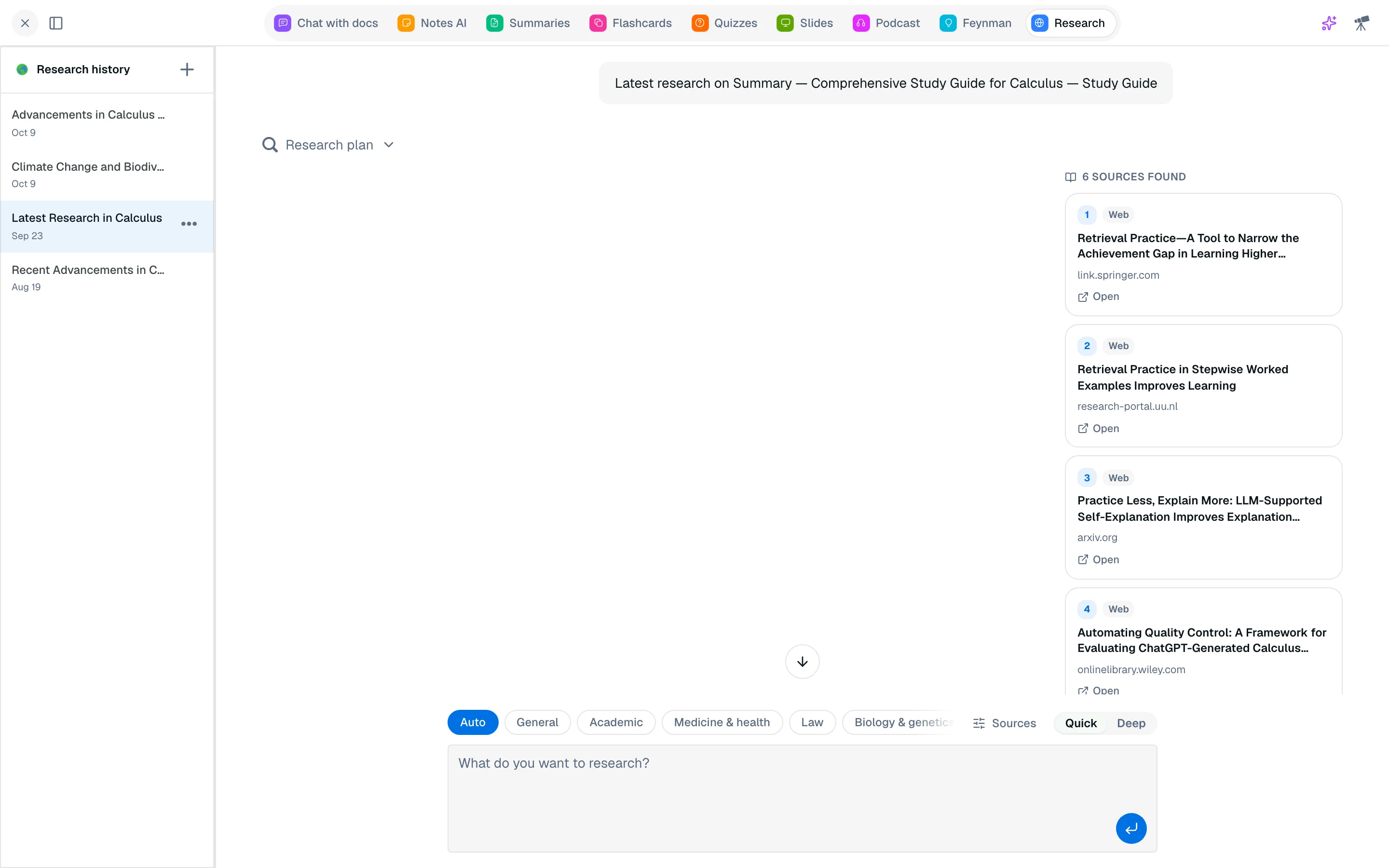
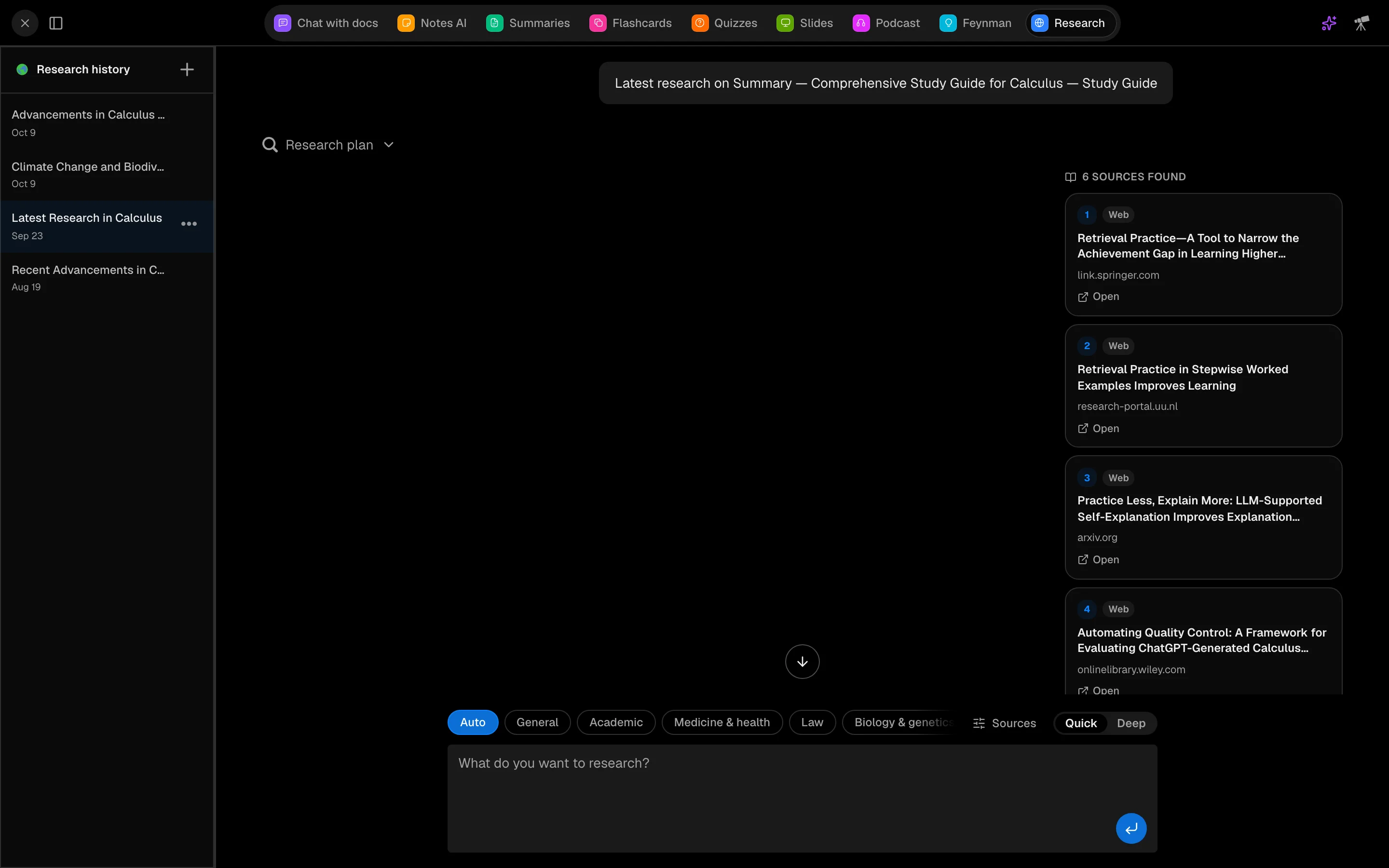
Run research
- In a session, open Deep Research (a crown shows on Free).
- Choose a Field of study: Auto, General, Academic, Medicine & health, Law, Biology & genetics, History & archives, Economics & policy, Computer science or Custom. Auto picks sources for each question. Under Sources you can tick your own mix.
- Pick Research depth: Quick (3 search angles, about 12 sources) or Deep (5 angles, about 20 sources).
- Ask your question.
The steps appear as Plan, Search and Write, then the report streams in with sources.
Steer the search
Under Web filters, add Include domains or Exclude domains. They apply to web results only, never to papers or court records.
Use the result
- Cite copies references in APA, MLA or Harvard.
- Export as Markdown or PDF.
- Save as note, Flashcards or Quiz me.
- Keep digging suggests follow-ups.
Past runs are in the Research history sidebar.
Cost
Each research run costs 2,000 credits, the most of any single action. Failed runs are refunded.