
לימוד AI
Flashcards
Generate flashcard decks from your files, study them with Got it and Still learning, and drill weak cards.
העמוד הזה עדיין לא תורגם. מציג את הגרסה באנגלית.
Flashcards turns your files into front and back cards for active recall, with no manual writing.
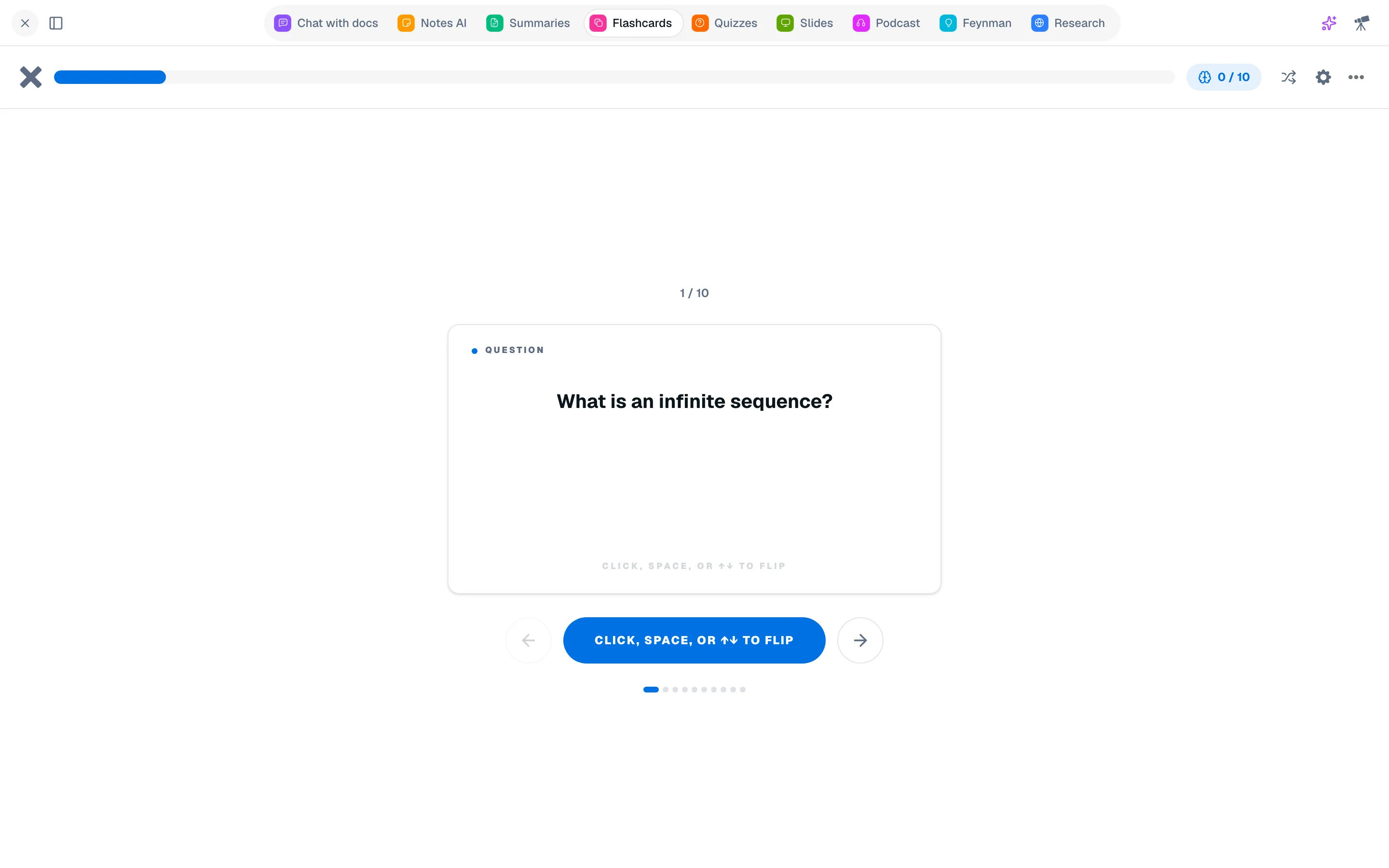
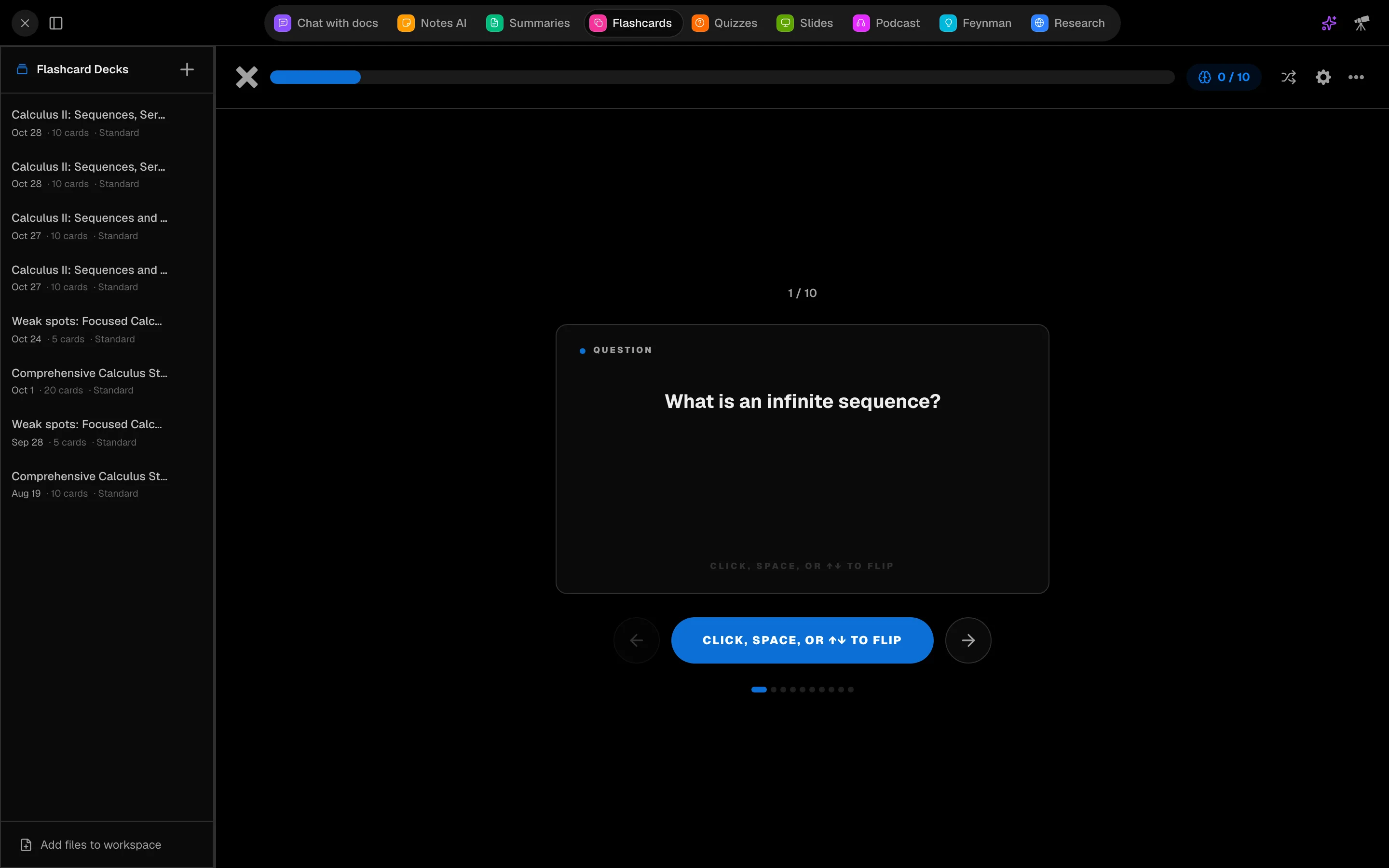
Generate a deck
- In a session, open Flashcards (key 5 by default).
- Select your Source files.
- Set Cards per deck (10, 20, 30 or 50) and Difficulty (Easy, Standard, Hard).
- Click Generate and wait for the cards.
Previous decks are listed under Previous decks.
Study
Click or press Space to flip a card. Mark each one Got it! or Still learning. At the end of a round, Study remaining repeats only the cards you missed, and Restart all starts over. Shuffle mixes the deck. Card settings changes the animation (Flip or Fade) and confetti.
Other ways to get cards
- Glossary: export a summary's terms from the Summary tool. Glossary Focus mode also works as flip cards.
- Missed quiz questions: Focus on what you missed builds a deck from wrong answers.
- Feynman: Make flashcards from weak concepts.
- Test yourself with a quiz turns a deck into a quiz.
Cost
Generating a deck costs 500 credits.