
Opiskelu AI
Podcast
Turn lectures and files into a short episode where two AI hosts talk through the material.
Tätä sivua ei ole vielä käännetty. Näytetään englanninkielinen versio.
Podcast makes an episode from your files: one host asks, the other explains, and it sticks to your material. It is a Pro feature.
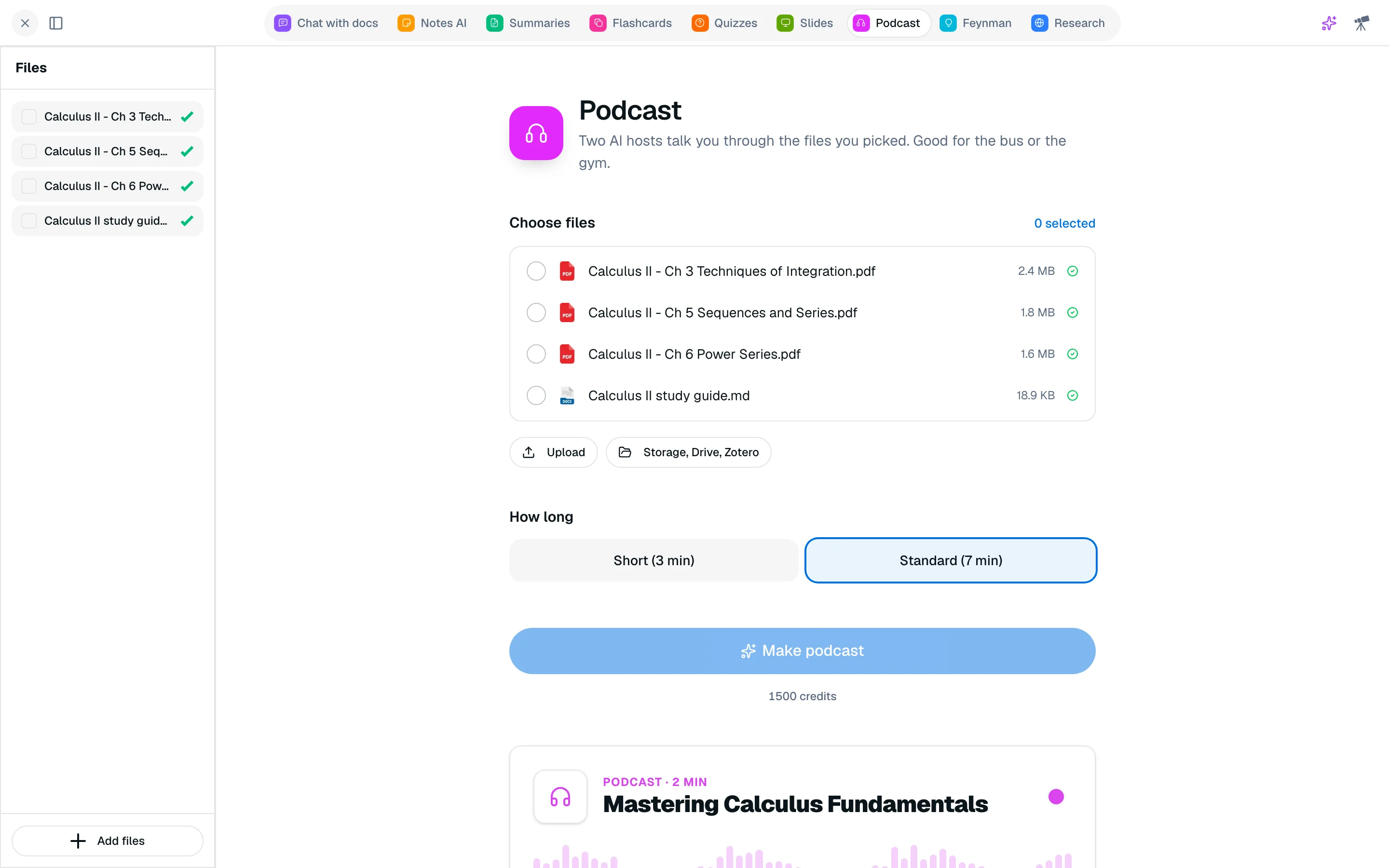
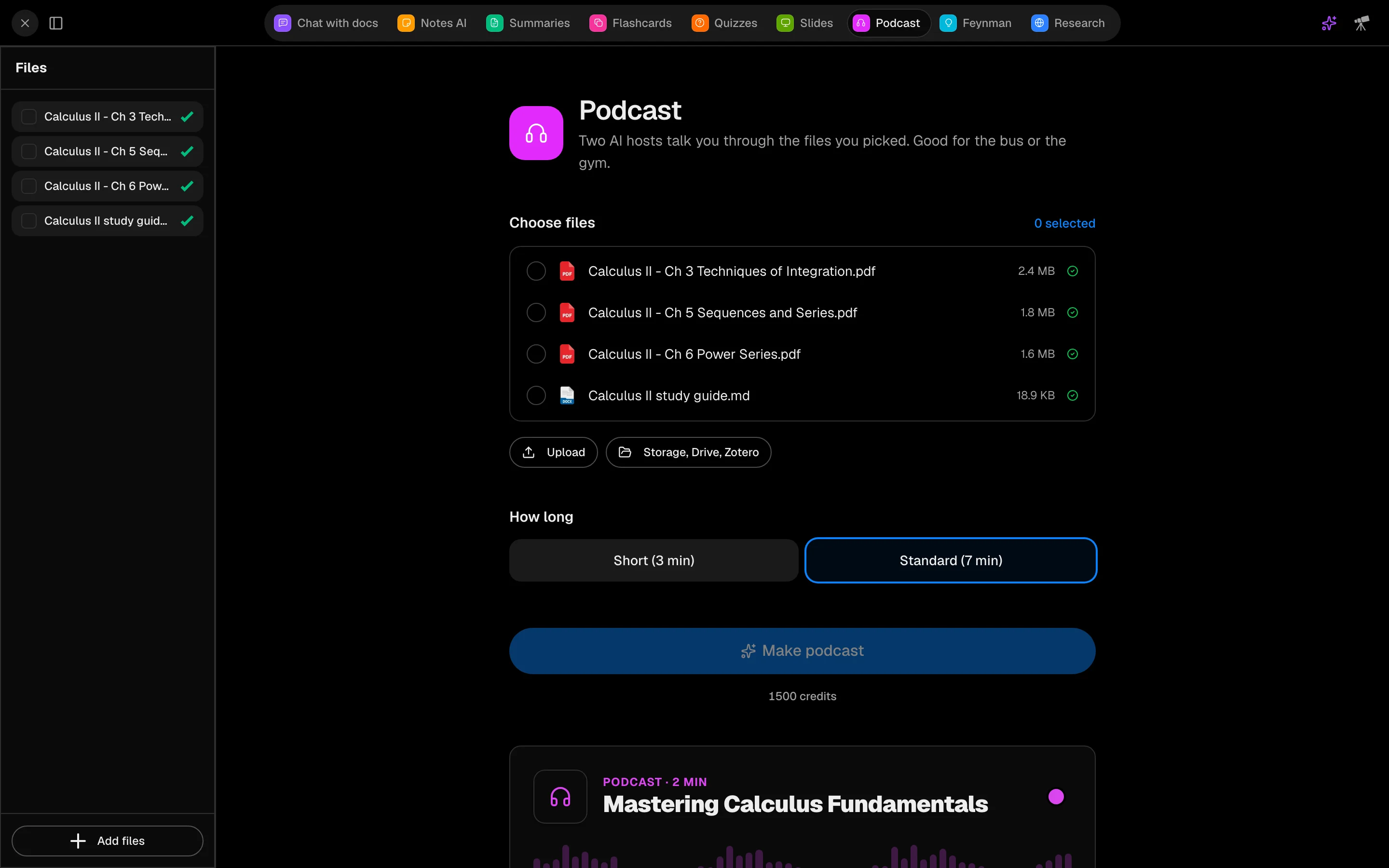
Make an episode
- Open /camp/podcasts, or the Podcast tab in a session (key 7 by default).
- Pick a Course and tick the Files to cover. Files must finish indexing first.
- Under How long, choose Short (3 min) or Standard (7 min).
- Click Make podcast. It takes a minute or two and you can keep working.
Listen
The episode has a player with playback speed and seek, and a Transcript to read along. Use the menu to Rename or Delete an episode. After a live lecture, Podcast recap does this in one click.
Cost
An episode costs 1,500 credits. If it shows Failed, your credits are refunded.