
Wolfram Alpha
Ask math, science, conversion and fact questions in plain language and get computed answers.
Tätä sivua ei ole vielä käännetty. Näytetään englanninkielinen versio.
Wolfram Alpha, in the Backpack, sends your question to Wolfram's computation engine and shows the answer in text. It does not use AI credits.
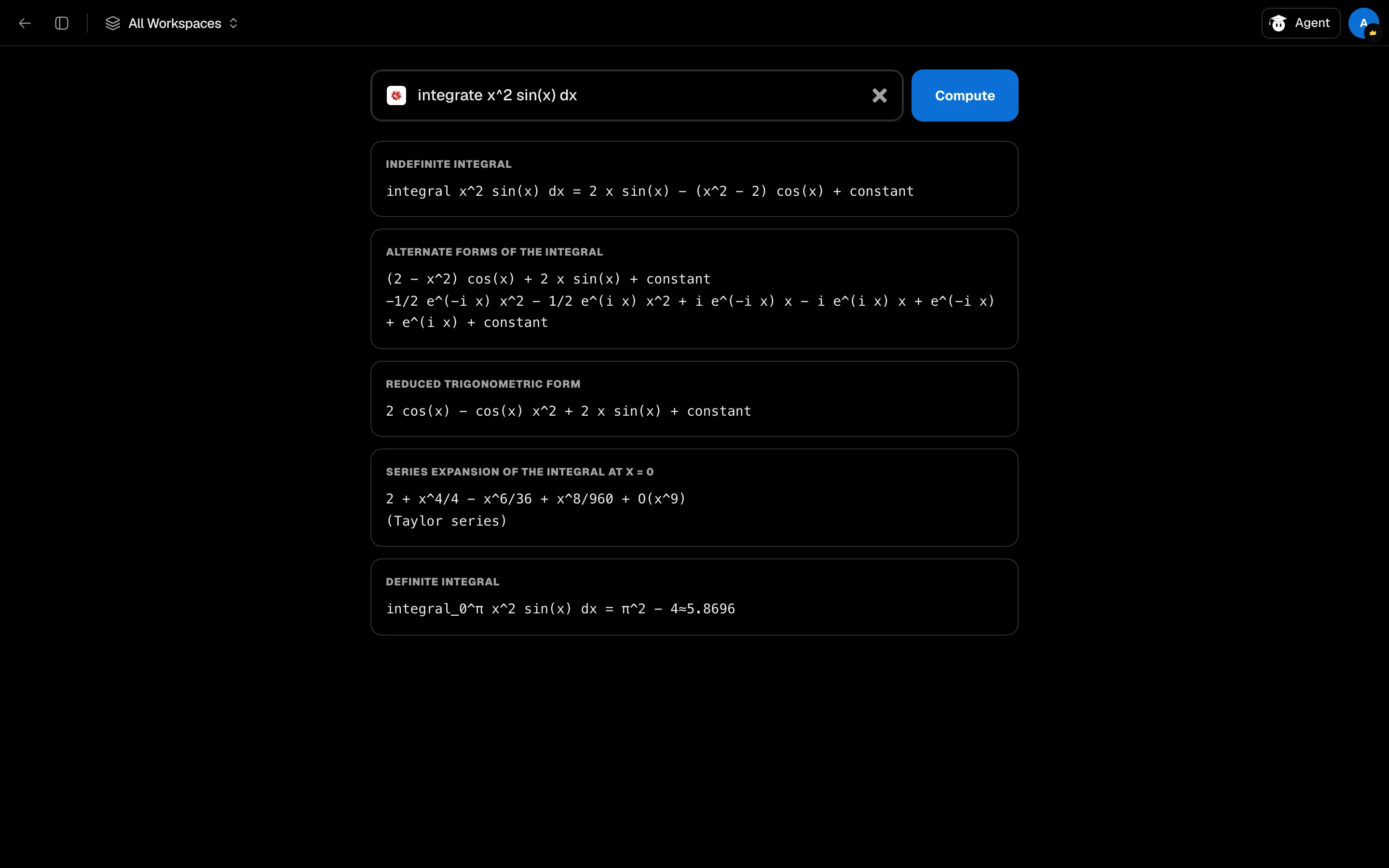
Ask a question
- Open Wolfram Alpha from your Backpack or the sidebar.
- Type a question in the box. Plain English or math notation both work.
- Click Compute.
Try an example from the page: integrate x² from 0 to 1, derivative of sin(x)cos(x), solve x² - 5x + 6 = 0, 100 USD in EUR, speed of light in mph, mass of the sun in kg.
Read the result
The answer appears as titled sections, with the titles Wolfram gives them. Where Wolfram offers a step-by-step solution, Studycamp requests it, though not every problem has one.
If Wolfram does not understand the question, you see "No result found" and sometimes a Did you mean: suggestion. Click it to try again.
Results are text only. Graphs and images that Wolfram Alpha shows on its own site are not displayed here.
In a study session
Wolfram Alpha is a Backpack tool you can open as a tile beside your material, so you can check a calculation as you read.