
Grades
Track exam and assignment results per subject in your country's grading system, with retakes.
This page is not translated yet. Showing the English version.
Grades, in the Backpack, keeps your results per subject. It understands 27 grading systems, so a "2" in Germany and an "A-" in the United States are treated correctly.
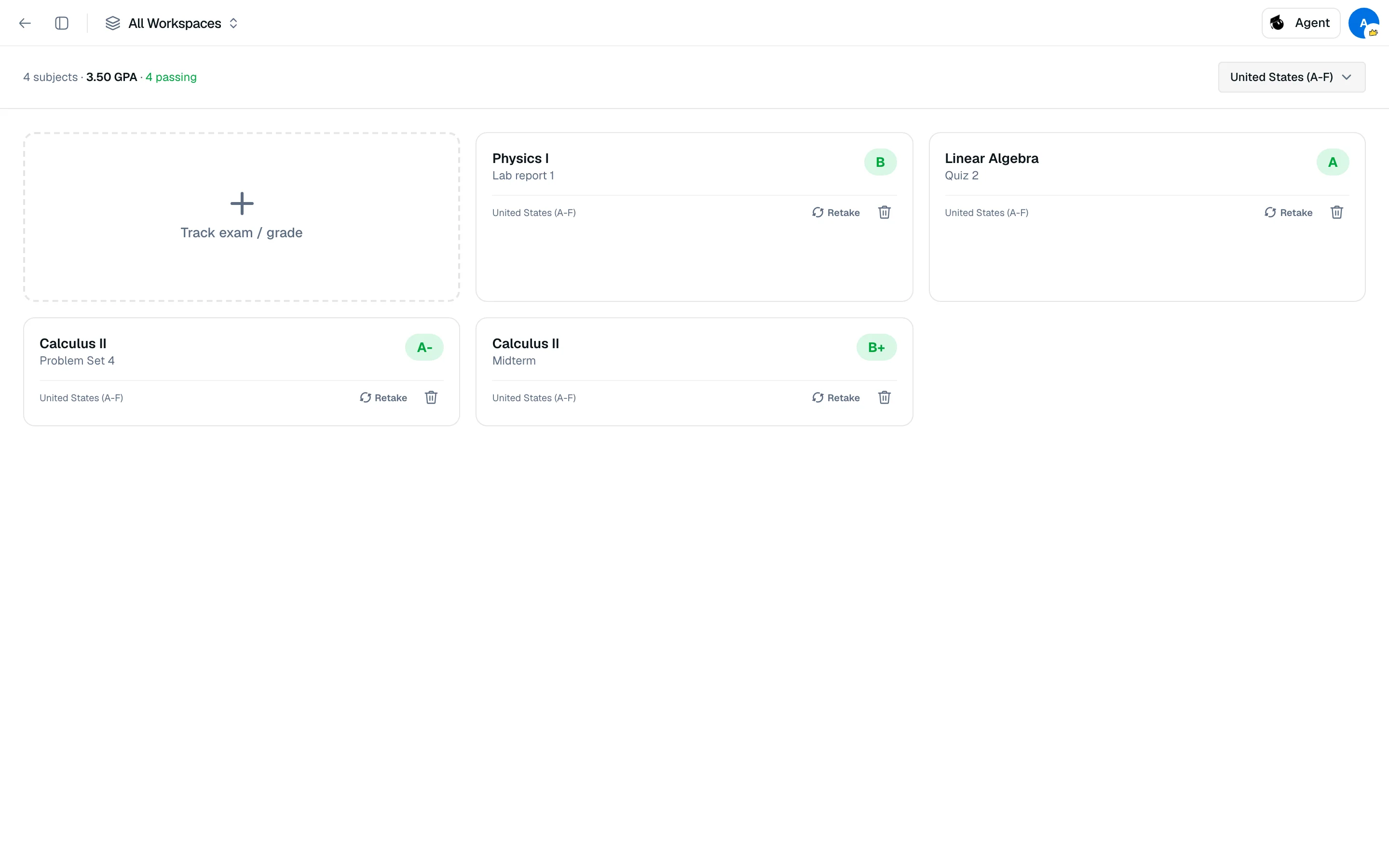
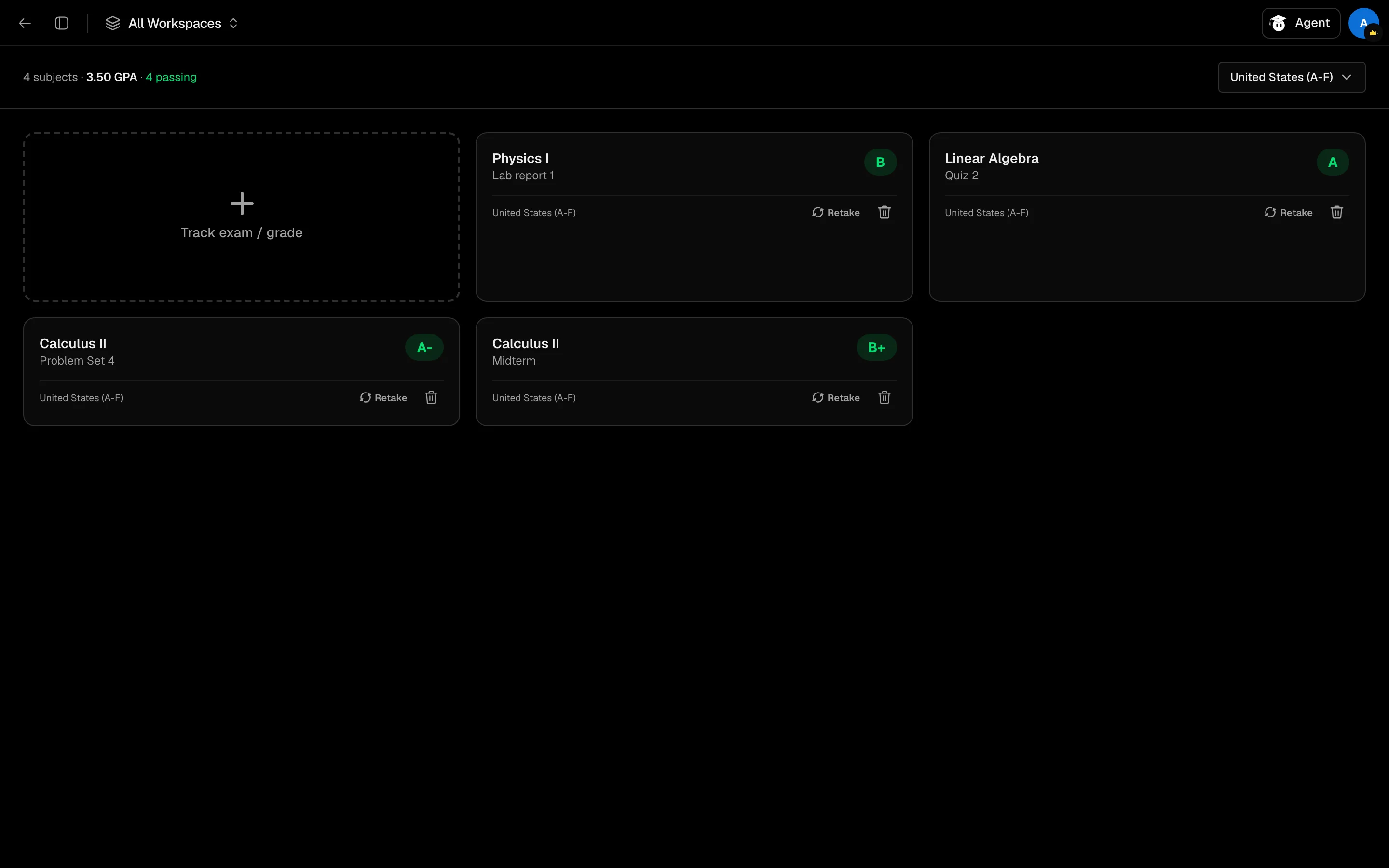
Add a result
- Open Grades from your Backpack or the sidebar.
- Choose your grading system in the selector at the top right. Systems are grouped by region (Americas, Europe, Middle East, Asia & Pacific, Africa) plus Pass/Fail.
- Click Track exam / grade.
- Enter the Subject (required), an optional exam or assignment name and exam date.
- Pick a grade if you have one, then click Add with grade. Without a grade, click Track exam and add the result later.
A card without a grade shows Pending. Use Add result... on the card when it arrives.
Retakes
Click Retake on a card to log another attempt, with or without a grade yet. Cards list Original and Retake 1, Retake 2 and so on, and mark improved when a failing result becomes passing.
Averages
The header shows your subject count, then an average per grading system, such as a GPA or a percentage. Averages use the latest attempt for each subject. It also counts how many results are pending, passing and failing.
Grades are not weighted. Each subject counts equally in the average.