
Feynman
Explain concepts in your own words, answer an AI student's questions and see where your understanding breaks.
This page is not translated yet. Showing the English version.
Feynman turns studying into teaching. An AI student asks follow-up questions on your explanation, flags gaps and links to the page in your file that fills them.
Install it
Feynman is a plugin. Open /camp/plugins and click Install on Feynman. Then add it to a session with +.
Run a session
- Open Feynman and choose your files with Add files or Change.
- Set Concepts (3 to 8) and Difficulty (Easy, Standard, Hard). Customize shows these options.
- Click Start teaching. Studycamp reads your materials and builds the session.
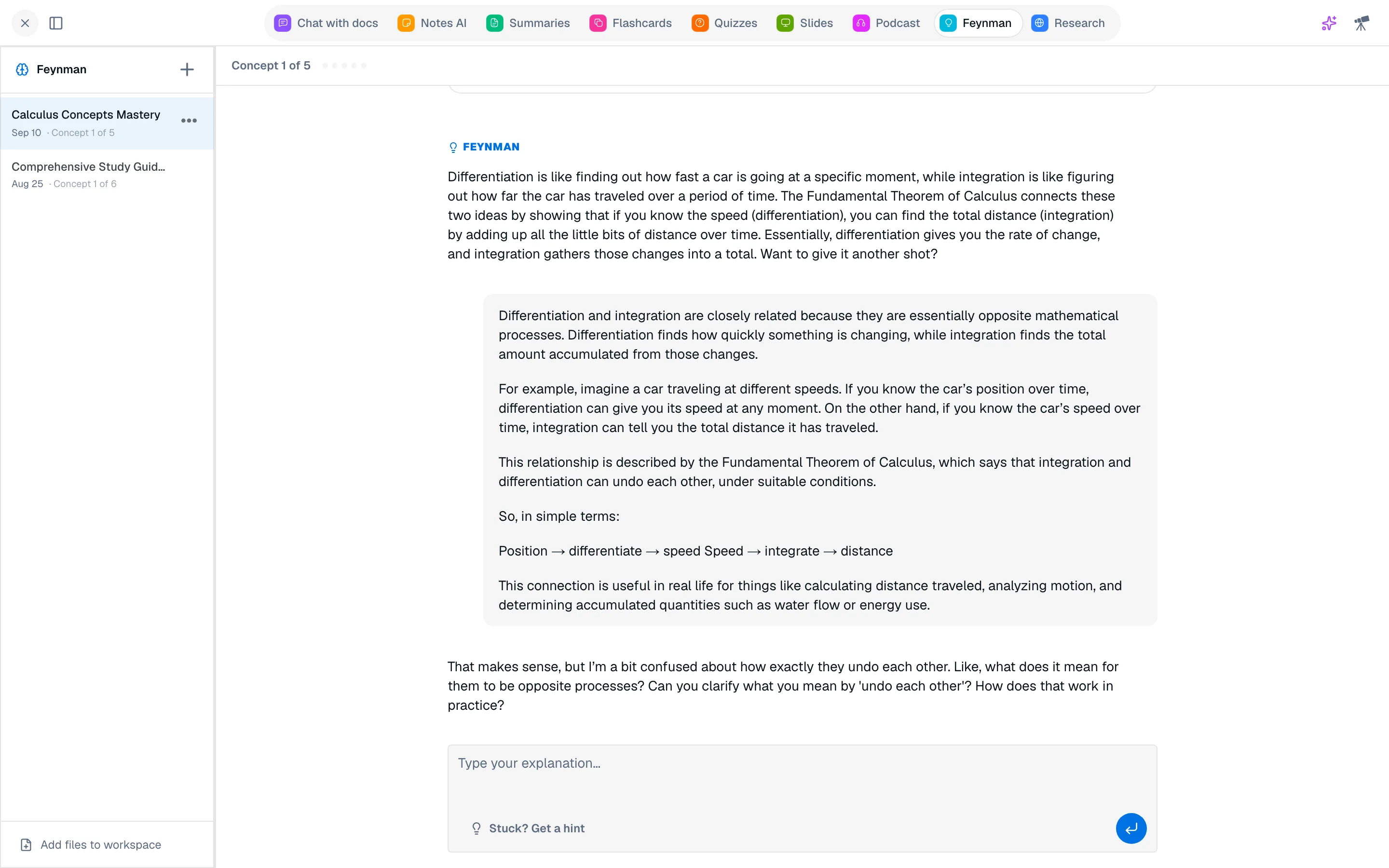
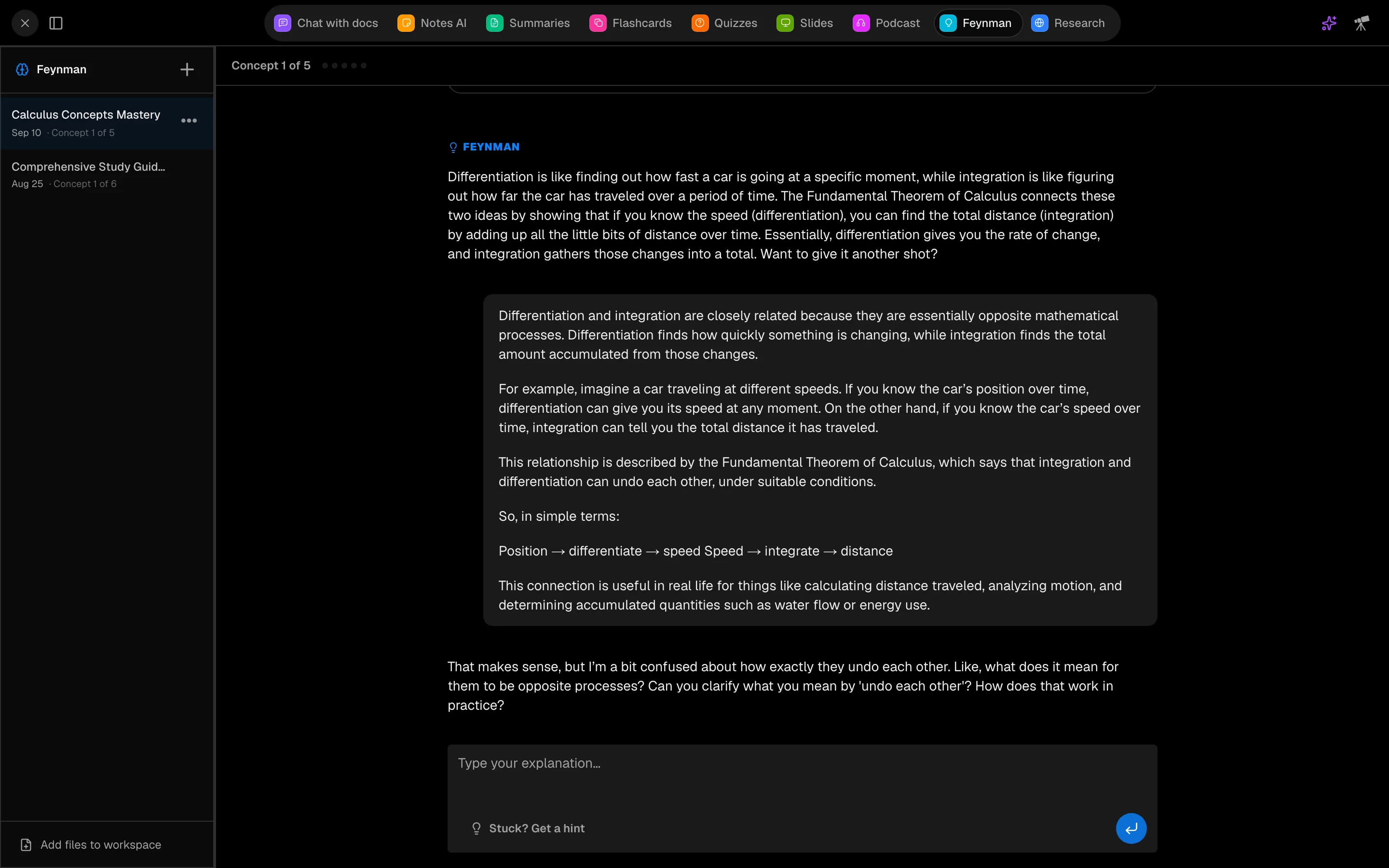
- For each concept, type your explanation under Type your explanation... and send it.
- Answer the follow-up questions. If you are stuck, click Stuck? Get a hint.
When an explanation has a hole, you see Knowledge gap detected with Review source and Try again.
Report
At the end, Session complete groups concepts as Mastered, Almost there or Needs another explanation. Click Teach it again, Make flashcards from weak concepts or Quiz me on these. Past sessions are in the History sidebar.
Cost
A session costs 700 credits and covers all follow-up turns.