Calendar
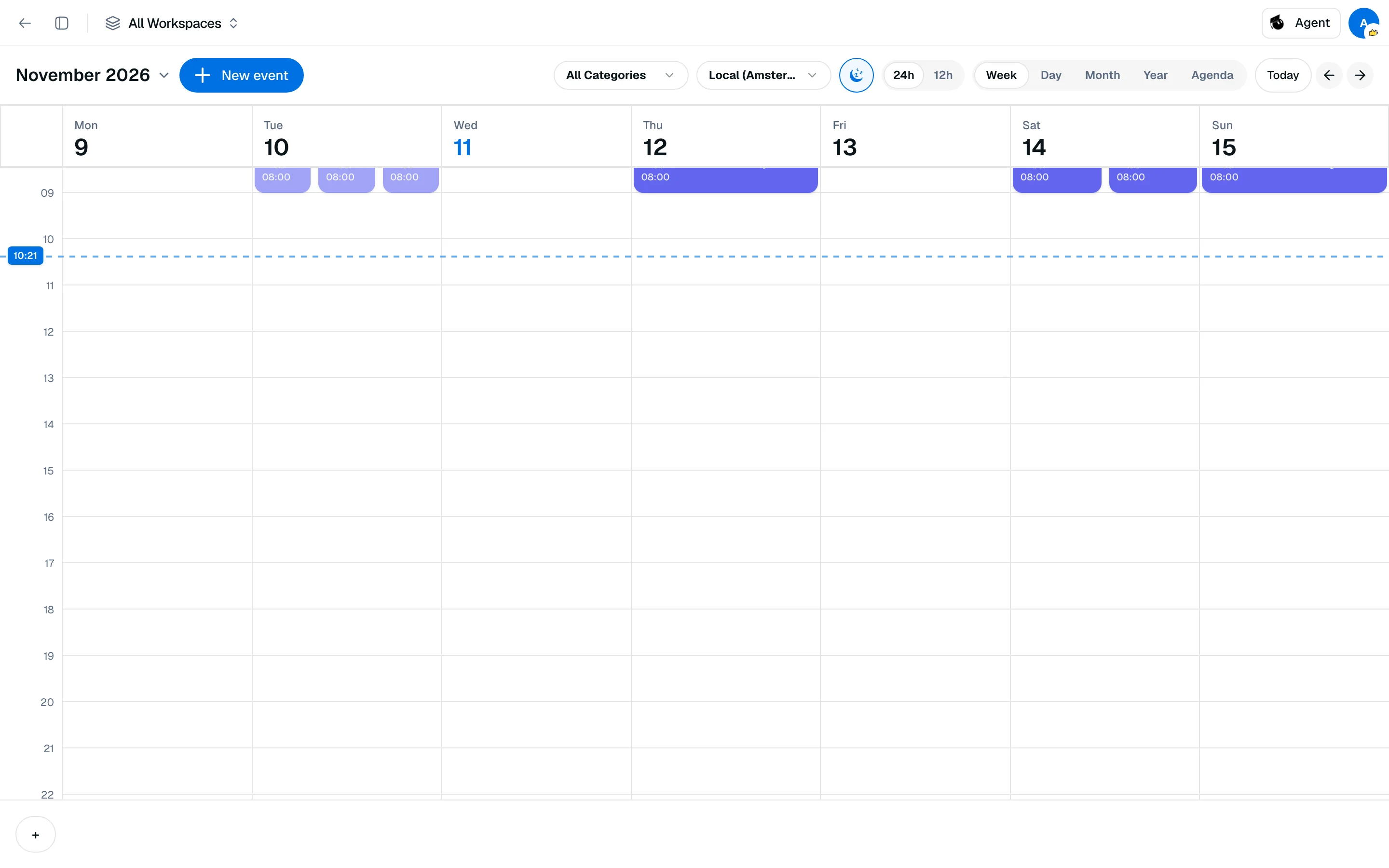
Add exams, classes and deadlines to a calendar with week, day, month, year and agenda views.
Ova stranica još nije prevedena. Prikazuje se engleska verzija.
The calendar at /camp/backpack/calendar holds your events. Dates from your documents and Agent can land here too, and upcoming events show in the dashboard Calendar widget.
Add an event
- Open Calendar from the sidebar and click New event.
- Enter a Title and a Date. Add an end date for a multi-day event, or tick All day. Otherwise set a start and end time.
- Optionally choose a category (Exam, Class, Meeting or a custom one) and a color.
- Under Additional Options, you can mark an event Recurring, add a location, link and notes, attach a Workspace, enable Countdown, or set a Notify time.
- Save. To change or delete an event later, click it.
Tick Maybe (dashed border) for events that are not confirmed.
Switch views
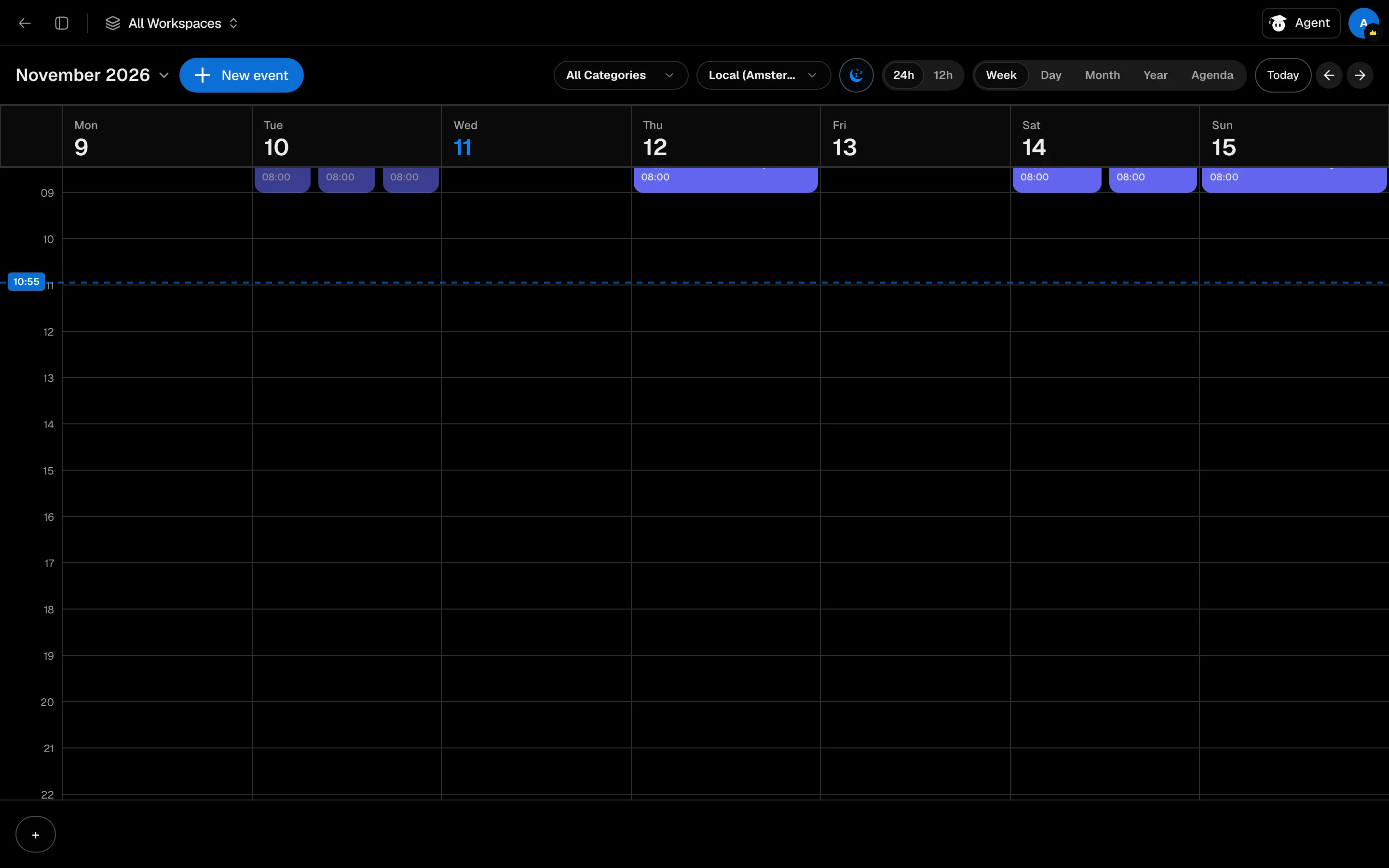
Choose Week, Day, Month, Year or Agenda at the top. Use the timezone menu to show another timezone, and filter by category. Sleep Shading lets you grey out your sleeping hours in the time grid.
Dates from Agent
When you apply a syllabus in Agent, checked dates are added here. Agent can also propose events from chat and adds them only when you click Add to calendar. See Syllabus extraction.